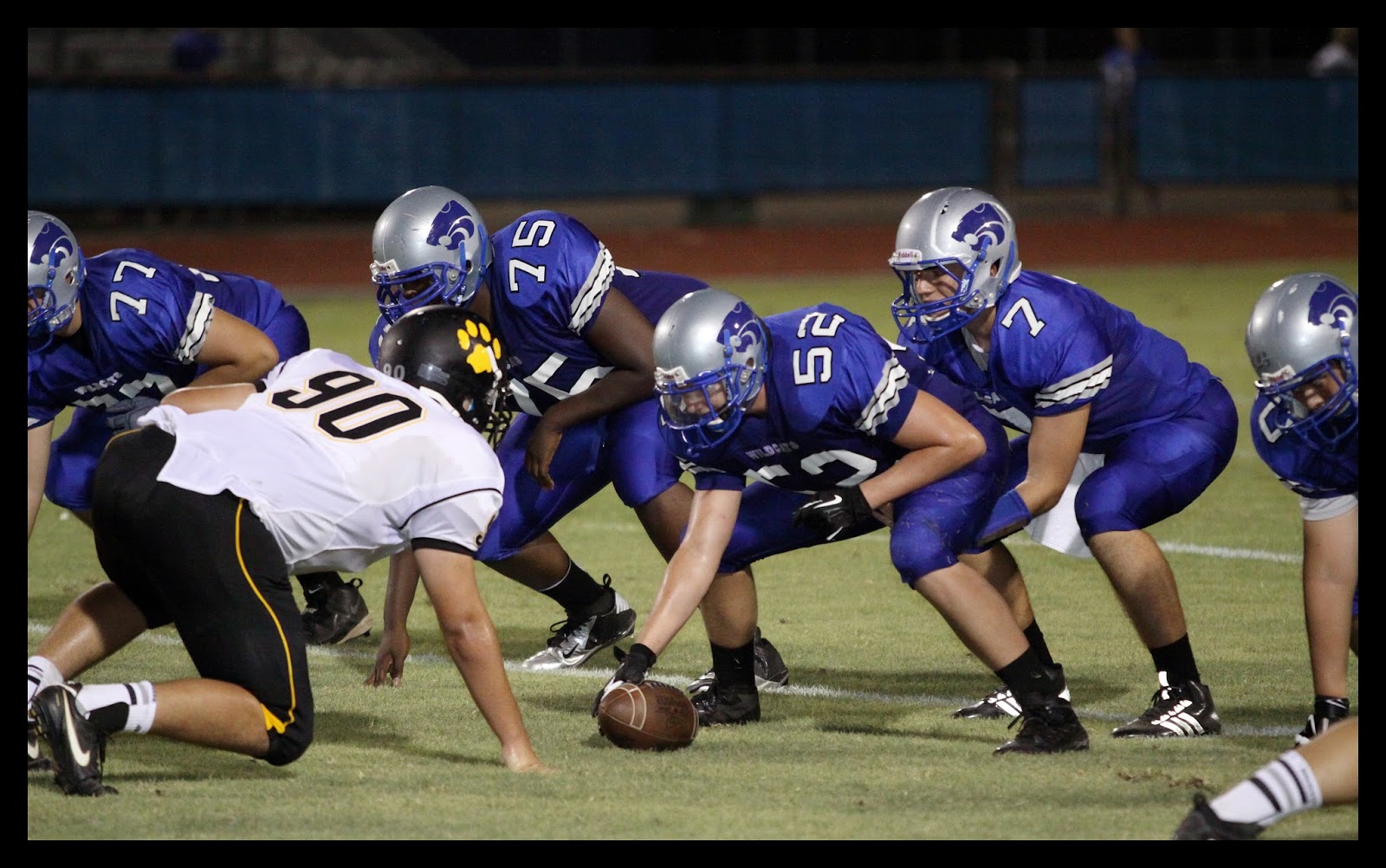
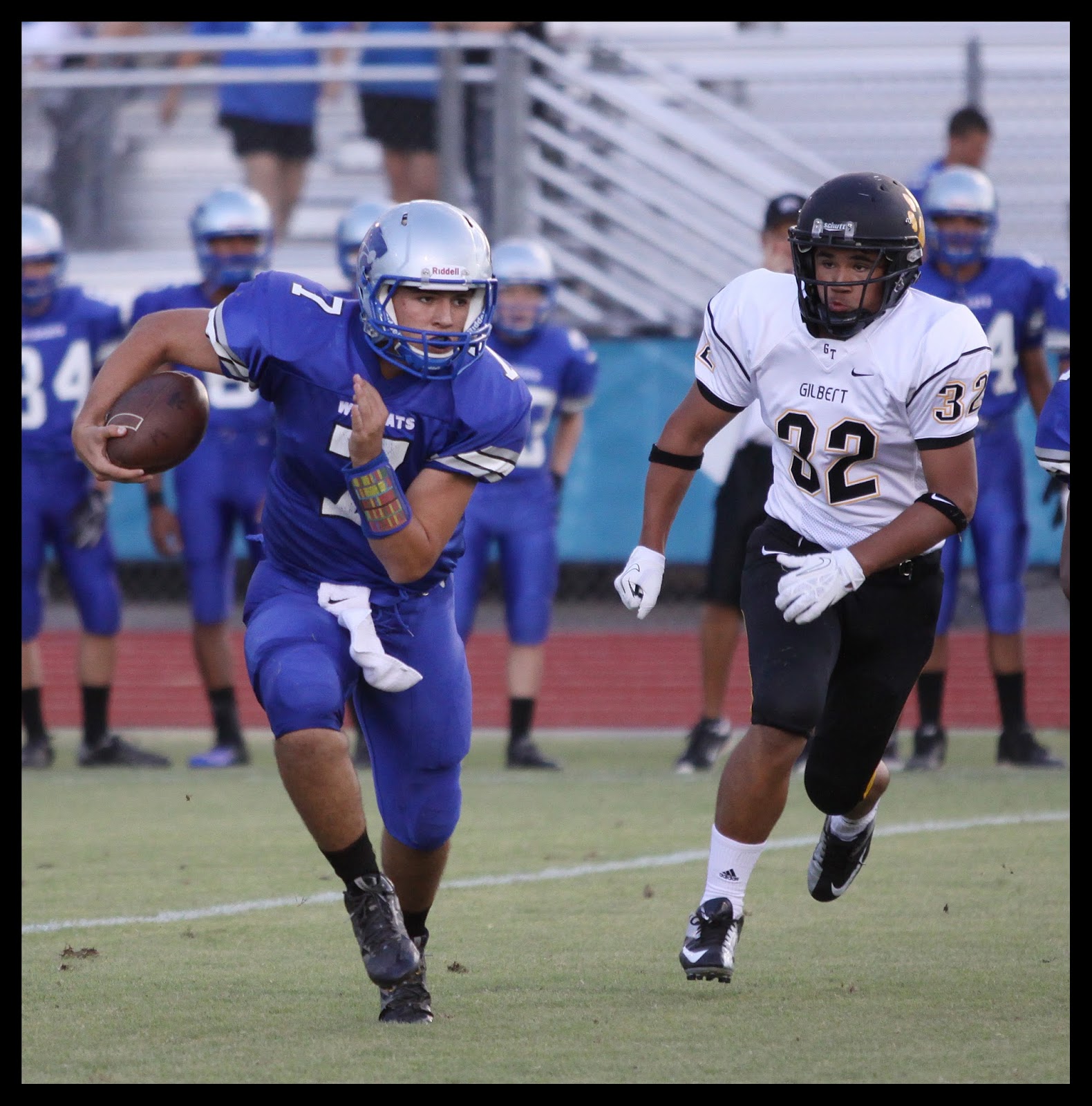
Football Season! I stopped by the Gilbert vs Mesquite JV Football game last night. I saw lots of good football especially for the first game of the season. I'm looking forward to shooting some Varsity games over the next few months. More pics from the JV game here: http://www.azdewphoto.com
When I'm not photographing sports, I like to get out and look for interesting things to capture. Basically I shoot what catches my eye. You can see more of my work at https://www.flickr.com/photos/azdew/.
Friday, August 30, 2013
Tuesday, August 27, 2013
Gilbert Girls Volleyball Team - GIF Animation
Warning this will drive you Crazy if you watch it too long!
When I get more time I would like to try some other GIF ideas I have.
Sunday, July 21, 2013
Photomerge in CS5 for Team Picture
An Experiment with Photomerge in Adobe Photoshop CS5.
This team photo of Gilbert High School's 2012-2013 Varsity Basketball team is a compilation of 4 separate images. I shot 4 portrait (vertical) images and merged them together in Adobe Photoshop using the photomerge feature.
This first picture is the final result of the Photomerge.

I was trying to find a way to get a file with more pixels and therefore good detail for large prints. I decided to experiment with merging multiple files together. The images I used here are handheld and were shot quickly so the players didn't have much time to move.
There are some things to remember when shooting the images for the Photomerge. Shoot all the images along the same plane (a leveled tripod can help with this). Don’t change your focal length. Compose using your zoom and leave it at the same focal length for all the images. Overlap the images so Photoshop can align the images properly.
In CS5 Photomerge is found under File | Automate | Photomerge |
For your first try select source files. Set layout to Auto. Check the “Blend Images Together”, “Vignette Removal”, and “Geometric Distortion Correction” options. It should give you fairly good results.
The results will display in a new image. You will see some white space around the edges. A simple crop is all that is needed to clean it up. It's as easy as that. Have fun experimenting with it.
The picture below is the final again along with the 4 images I used.
You can see the overlap. Its important for photoshop to have sufficient overlap to align the images.
This last image shows the overlap better.
Nothing scientific about the overlap. I just guessed. I read (after I did this) that 40% overlap is a good to shoot for. My overlap varied and was probably a little more than 40%.
This works very well with outdoor landscape images. Have fun with it.
This team photo of Gilbert High School's 2012-2013 Varsity Basketball team is a compilation of 4 separate images. I shot 4 portrait (vertical) images and merged them together in Adobe Photoshop using the photomerge feature.
This first picture is the final result of the Photomerge.

I was trying to find a way to get a file with more pixels and therefore good detail for large prints. I decided to experiment with merging multiple files together. The images I used here are handheld and were shot quickly so the players didn't have much time to move.
There are some things to remember when shooting the images for the Photomerge. Shoot all the images along the same plane (a leveled tripod can help with this). Don’t change your focal length. Compose using your zoom and leave it at the same focal length for all the images. Overlap the images so Photoshop can align the images properly.
In CS5 Photomerge is found under File | Automate | Photomerge |
For your first try select source files. Set layout to Auto. Check the “Blend Images Together”, “Vignette Removal”, and “Geometric Distortion Correction” options. It should give you fairly good results.
The results will display in a new image. You will see some white space around the edges. A simple crop is all that is needed to clean it up. It's as easy as that. Have fun experimenting with it.
The picture below is the final again along with the 4 images I used.
You can see the overlap. Its important for photoshop to have sufficient overlap to align the images.
This last image shows the overlap better.
Nothing scientific about the overlap. I just guessed. I read (after I did this) that 40% overlap is a good to shoot for. My overlap varied and was probably a little more than 40%.
This works very well with outdoor landscape images. Have fun with it.
Friday, July 19, 2013
Snowflake Pioneer Day Rodeo - 24th Celebration
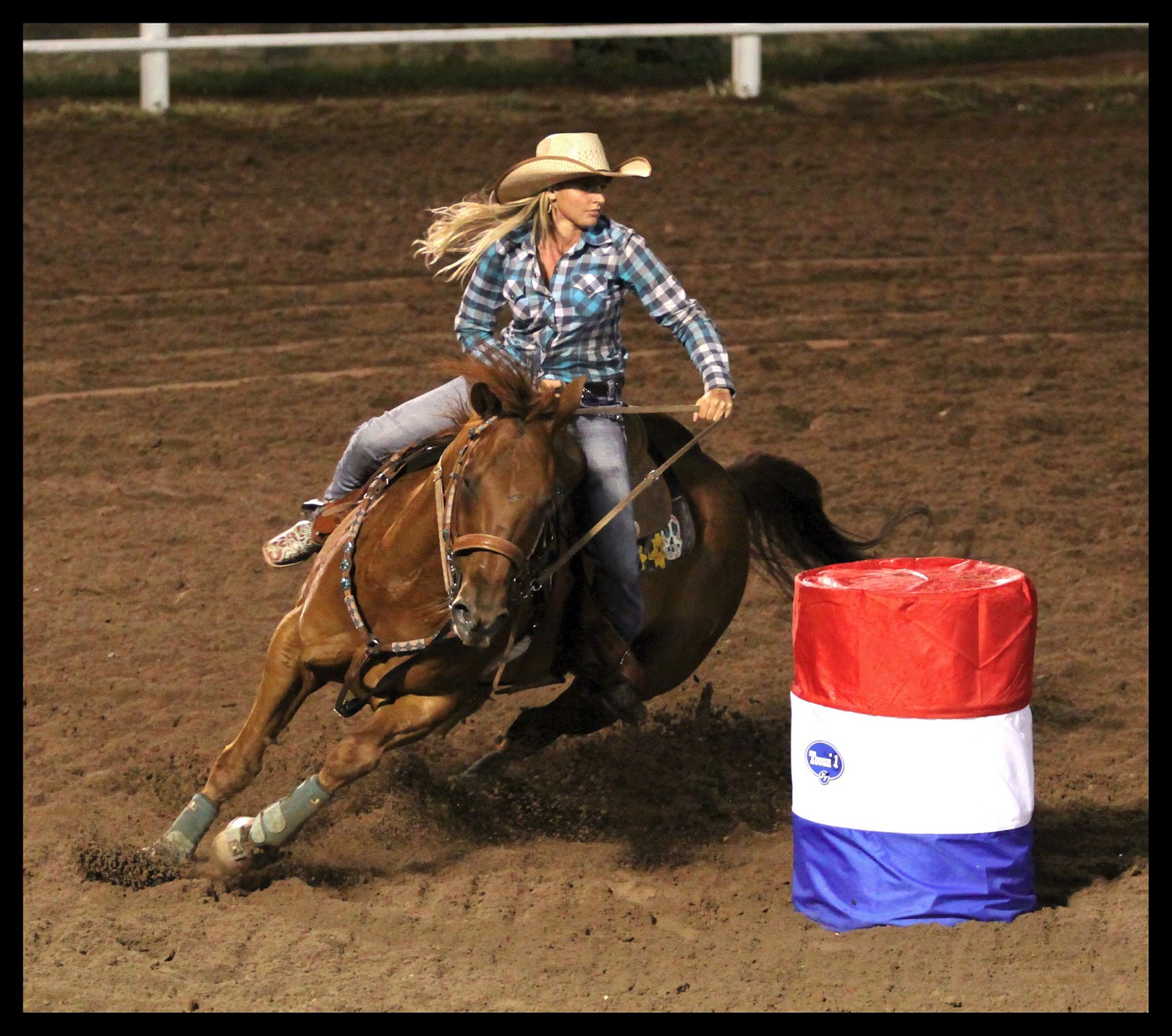
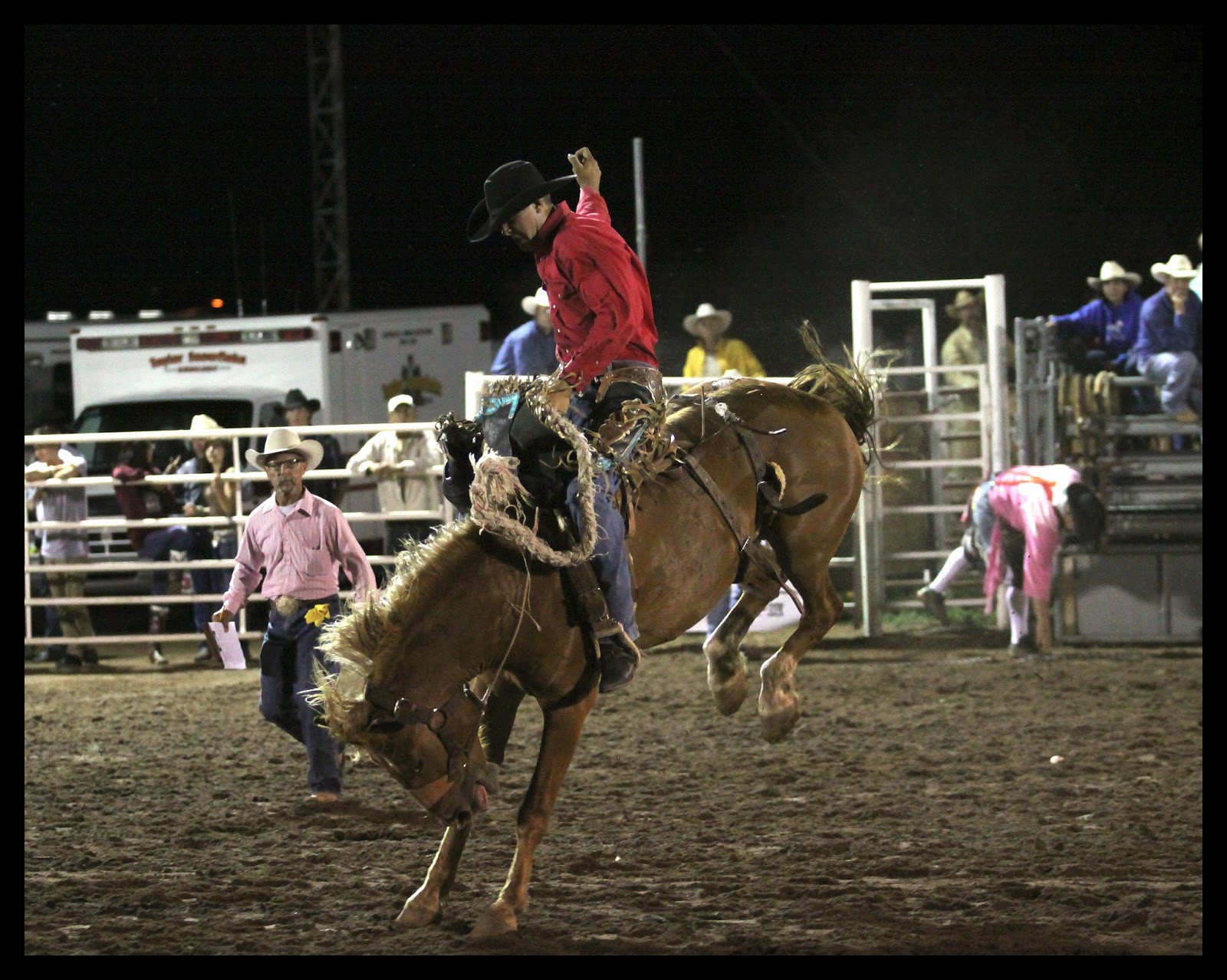
We always have such a great time. I am a little disappointed I might not make it to this year's 2013 Snowflake Pioneer Day Rodeo. We have attended and photographed the last two years and attended many others in years past. It's held at Taylor Arizona's Rodeo Arena. A great place with a good view of the action. This year it will be Friday and Saturday July 26th and 27th.
It seems there just isn't enough days in a month to get up there this year. I looked through the pictures from last year did a little reminiscing. I thought I would share a few with you. Lots of great memories. You can see the entire 2011 and 2012 Pioneer Day Rodeo picture collection HERE.
See 2011 and 2012 action shots here. http://www.azdewphoto.com/Rodeo
It seems there just isn't enough days in a month to get up there this year. I looked through the pictures from last year did a little reminiscing. I thought I would share a few with you. Lots of great memories. You can see the entire 2011 and 2012 Pioneer Day Rodeo picture collection HERE.
See 2011 and 2012 action shots here. http://www.azdewphoto.com/Rodeo
Again... South Mountain Park - Phoenix AZ
Phoenix in July is HOT! But not too hot to drive up South Mountain.
I went to South Mountain Park again after work. I guess I enjoy going up there because it is relatively close to Phoenix and it has a great view. It doesn't take long at all to get to Dobbins lookout from the valley of the sun.
Finding South Mountain Park is easy. Find Central Avenue in Phoenix and driving South. As you get close to the mountain the road will narrow and shortly after that you will see the entrance to the park. Stay on that road and it will take you up the mountain. There is a map posted near the ranger station if you need to see which road to takes you to the top where Dobbins Lookout is. More Pictures from South Mountain are HERE.
I went to South Mountain Park again after work. I guess I enjoy going up there because it is relatively close to Phoenix and it has a great view. It doesn't take long at all to get to Dobbins lookout from the valley of the sun.
Finding South Mountain Park is easy. Find Central Avenue in Phoenix and driving South. As you get close to the mountain the road will narrow and shortly after that you will see the entrance to the park. Stay on that road and it will take you up the mountain. There is a map posted near the ranger station if you need to see which road to takes you to the top where Dobbins Lookout is. More Pictures from South Mountain are HERE.
![]() |
| As you approach the park entrance this group of rock buildings is on the left. I have seen photoshoots going on in there more than once. |
![]() |
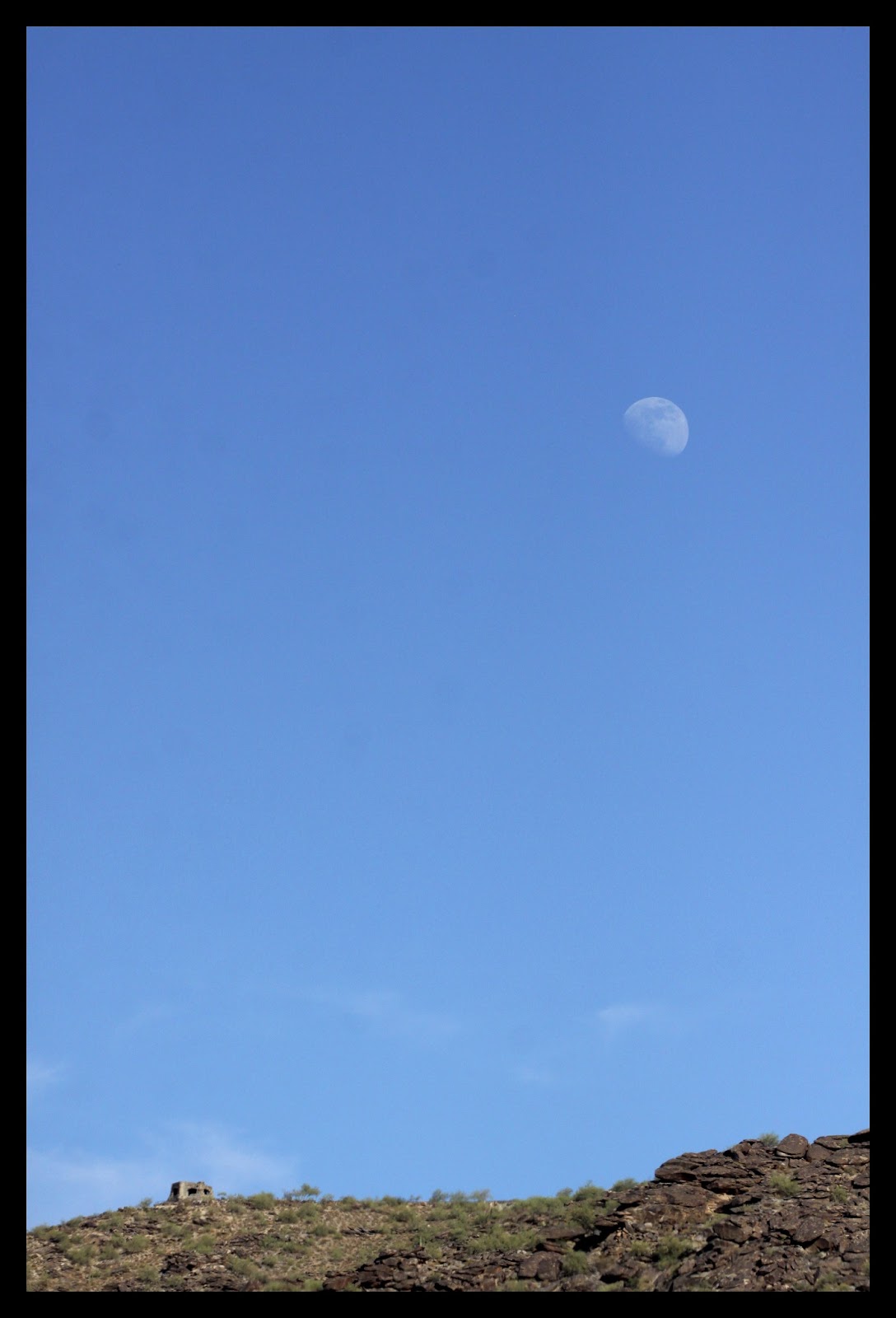
| A Lookout seen from the Desert floor. |
![]() |
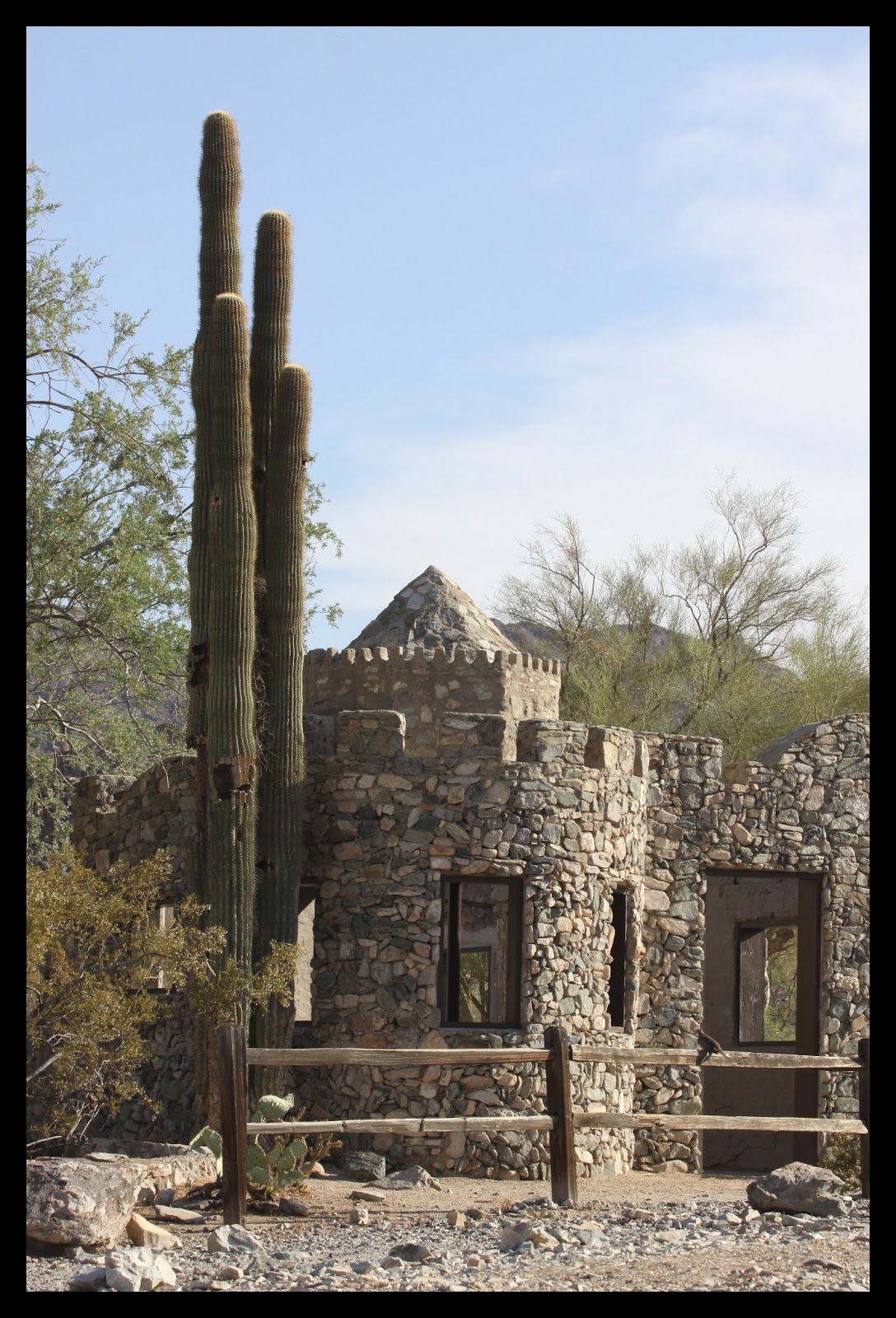
| Ond of the Scorpion Gulch buildings. |
![]() |
| Another from Scorpion Gulch. The Saguaros are a nice touch. |
![]() |
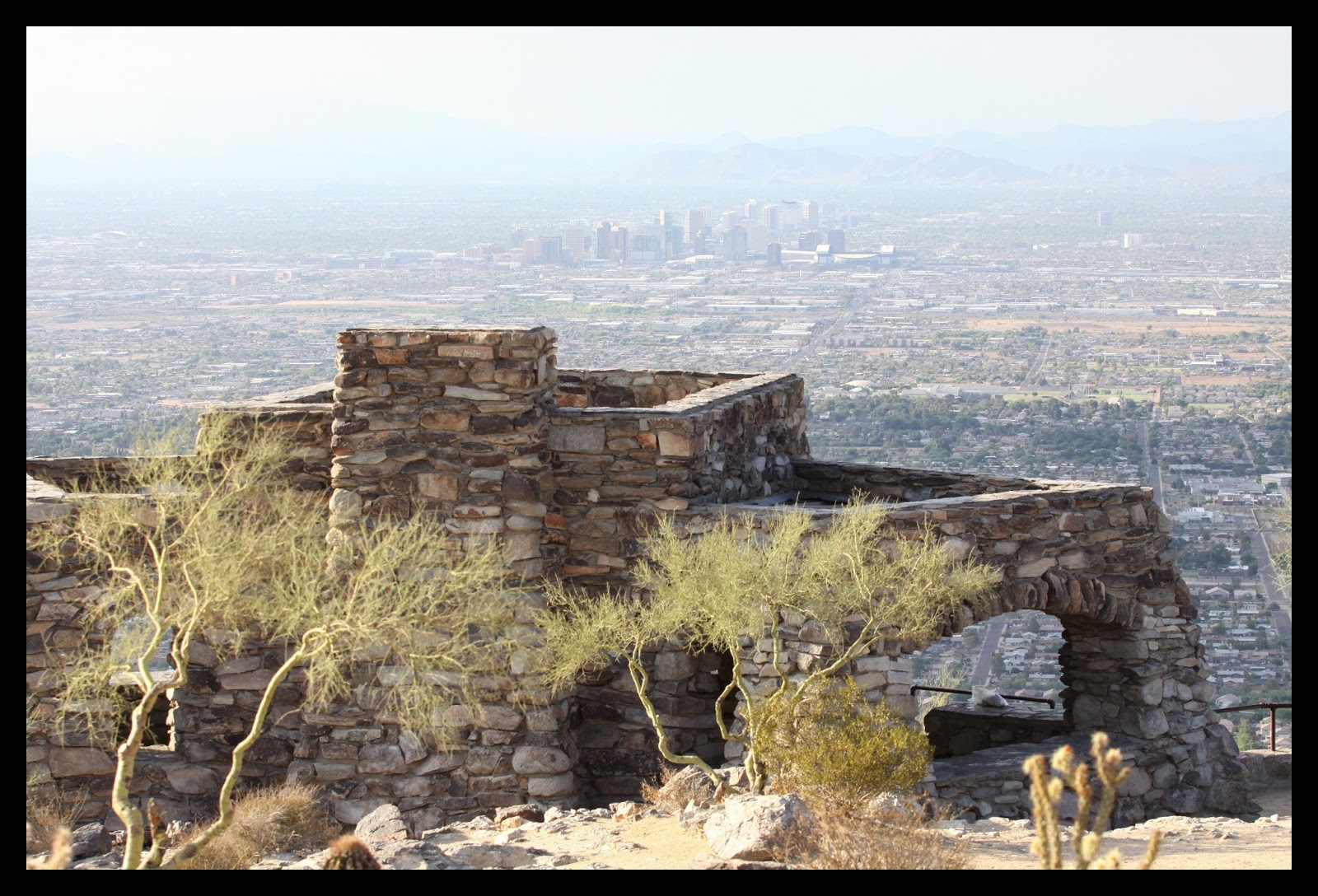
| Dobbins Lookout from the top of South Mountain. Phoenix AZ is in the background. |
![]() |
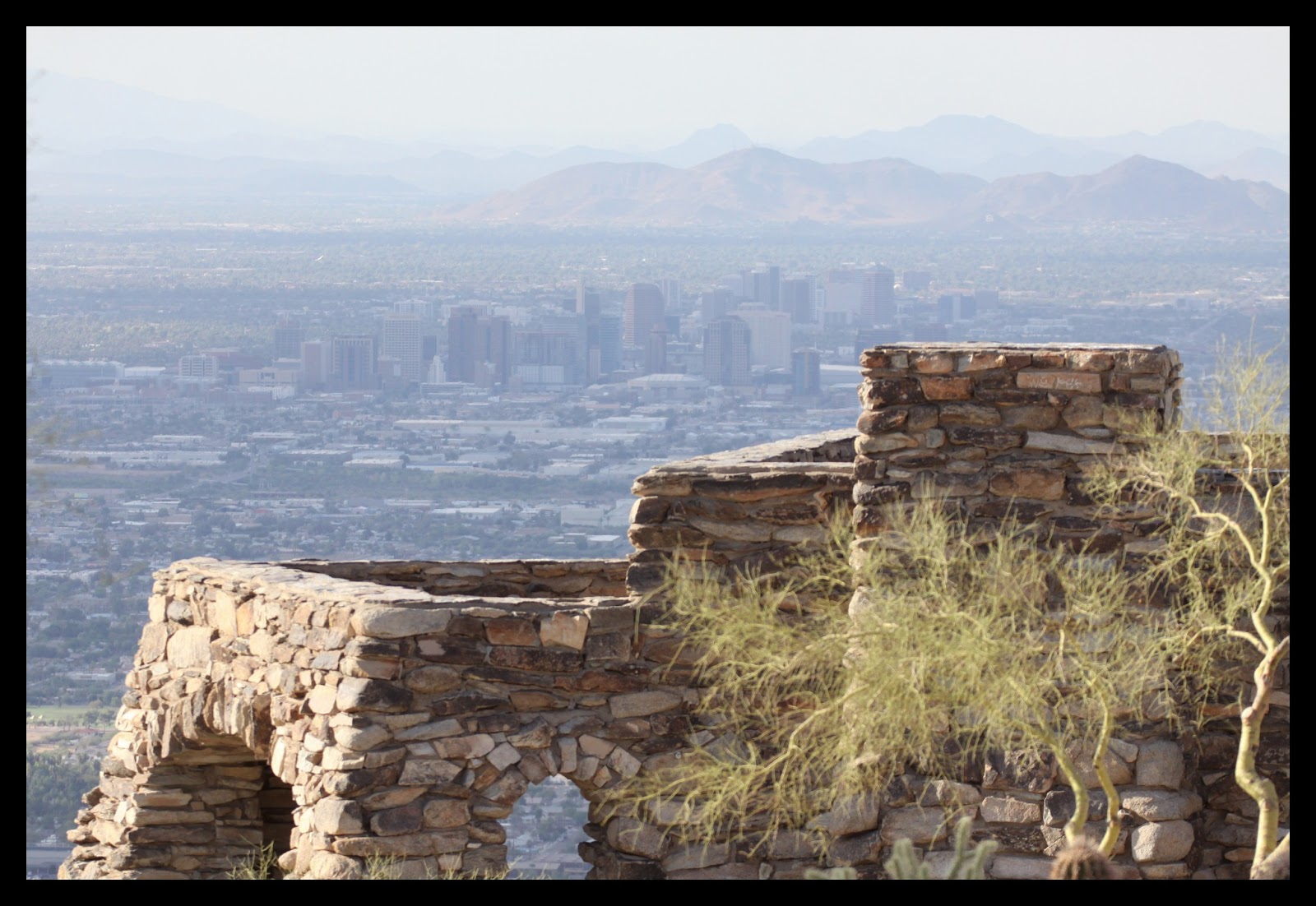
| Phoenix AZ from the top of South Mountain. It was fairly hazy today so the pictures are not as nice as they could be. |
![]() |
| Dobbins Lookout with Phoenix AZ in the background. |
![]() |
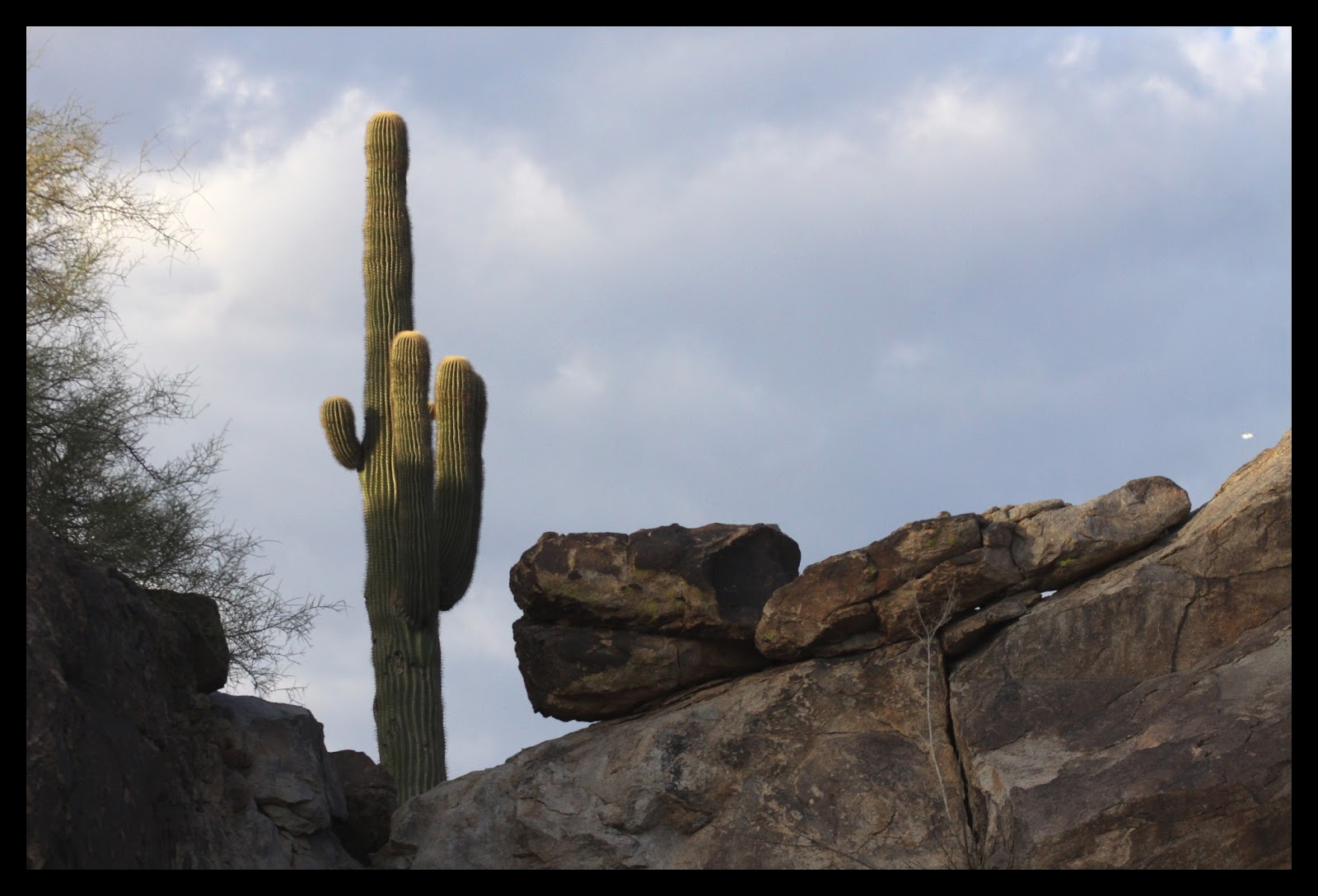
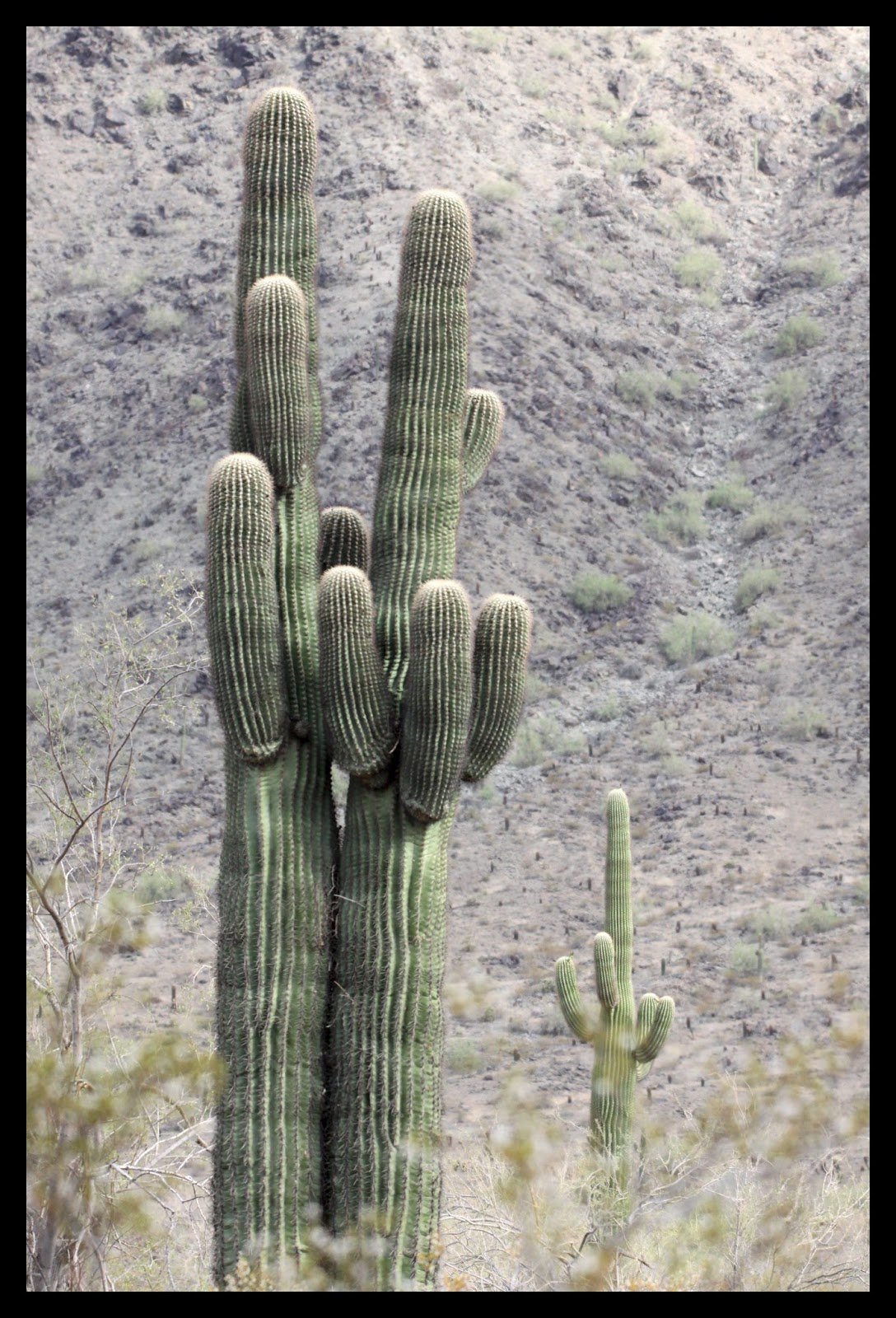
| A saguaro near the entrance to South Mountain Park. |
Wednesday, July 10, 2013
Dobbins Lookout - South Mountain Park, Phoenix AZ
I always enjoy the view of Phoenix AZ from the top of South Mountain, South of Phoenix. There is a road in the State Park that takes you close to the top of the mountain. Dobbins Lookout is at 2330 feet and gives you a great view. If I did my math correctly it’s about 1200 feet above Phoenix.
There were quite a few hikers and bike riders going up the mountain with me. Even in the middle of June when it’s almost 100 degrees at 7:00 in the morning. Hopefully they carried plenty of water. The bikes coming down the mountain are usually going pretty fast and so its a good idea to keep an eye on the road. We all got along pretty well. Here are a few pictures from the top.
Monday, July 8, 2013
Roping at Linden Valley Arena - July 4th 2013
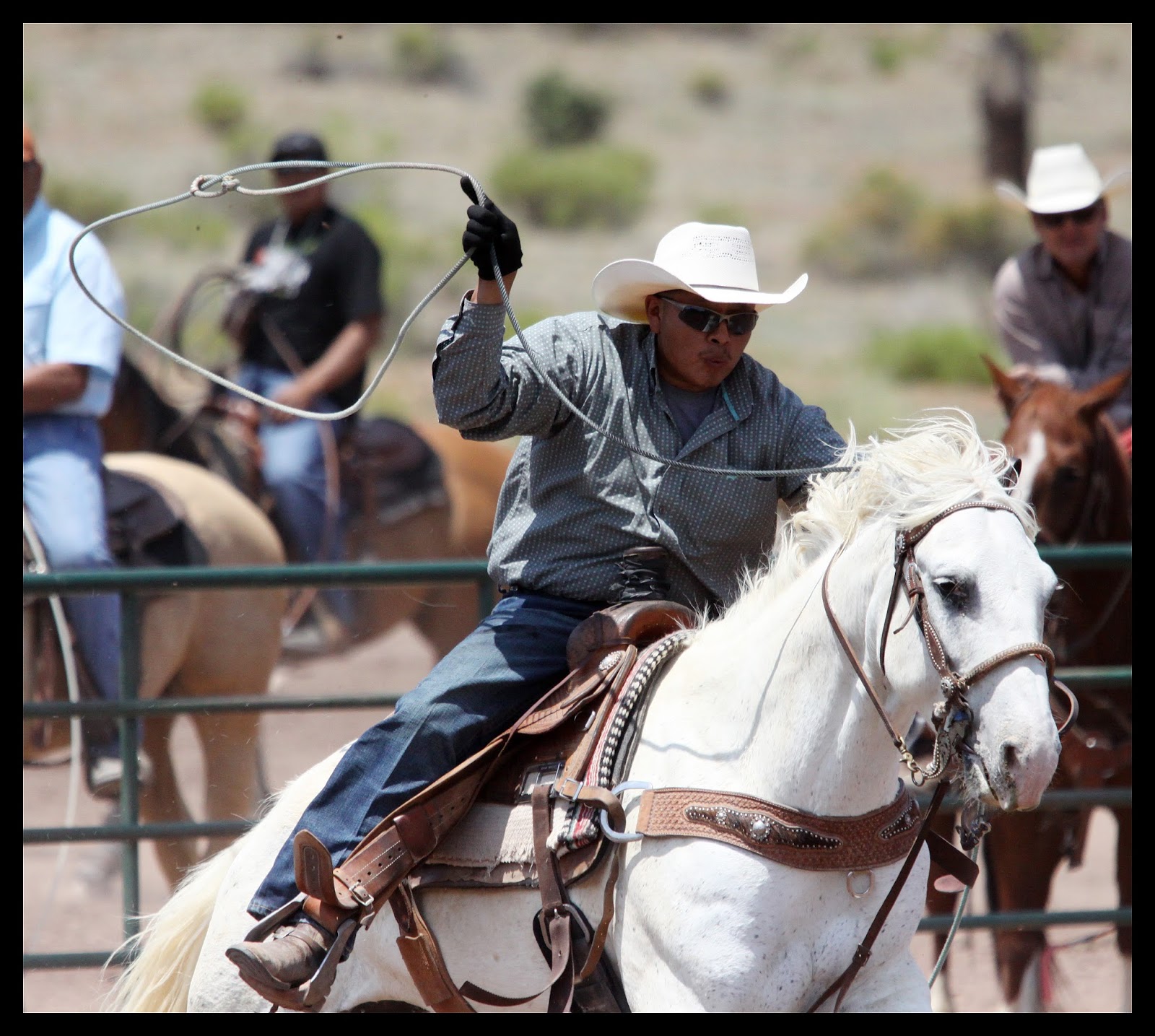
On July 4th I was in Linden Arizona. Linden Valley Roping Arena was practically next door to where we had our family reunion. On the morning of July 4th I walked over and watched about an hour of team roping. The roping skill of these cowboys was pretty amazing. The shoot opens and the calf runs as fast as it can. In a matter of 6 or 7 seconds the calf is on the ground with a rope around its horns and another around its hind feet. It was fun to watch for a while. See more pictures from the event here:
Subscribe to:
Posts (Atom)