Monday, July 7, 2014

Chuckwalla @ South Mountain Park

This morning I found a Male Chuckwalla while out exploring on South Mountain in Phoenix. It was near the Communication Towers and was sunning itself on a large rock formation. It didn't stay around long once it saw me. He darted down into a crack in the rock. Some internet references claim these can get up to 16 inches long. I would guess this one was 10-12". 

It brought back many memories seeing it sunning on the rocks. My father once caught several of these and brought them home when I was about 10 years old (feels like hundreds of years ago). We had it as a "pet" for a while. I understand they bite pretty hard so we didn't touch it much. 

chuckwalla, red tail, desert, rocks, sunning, arizona, phoenix, south mountain, park, wild,

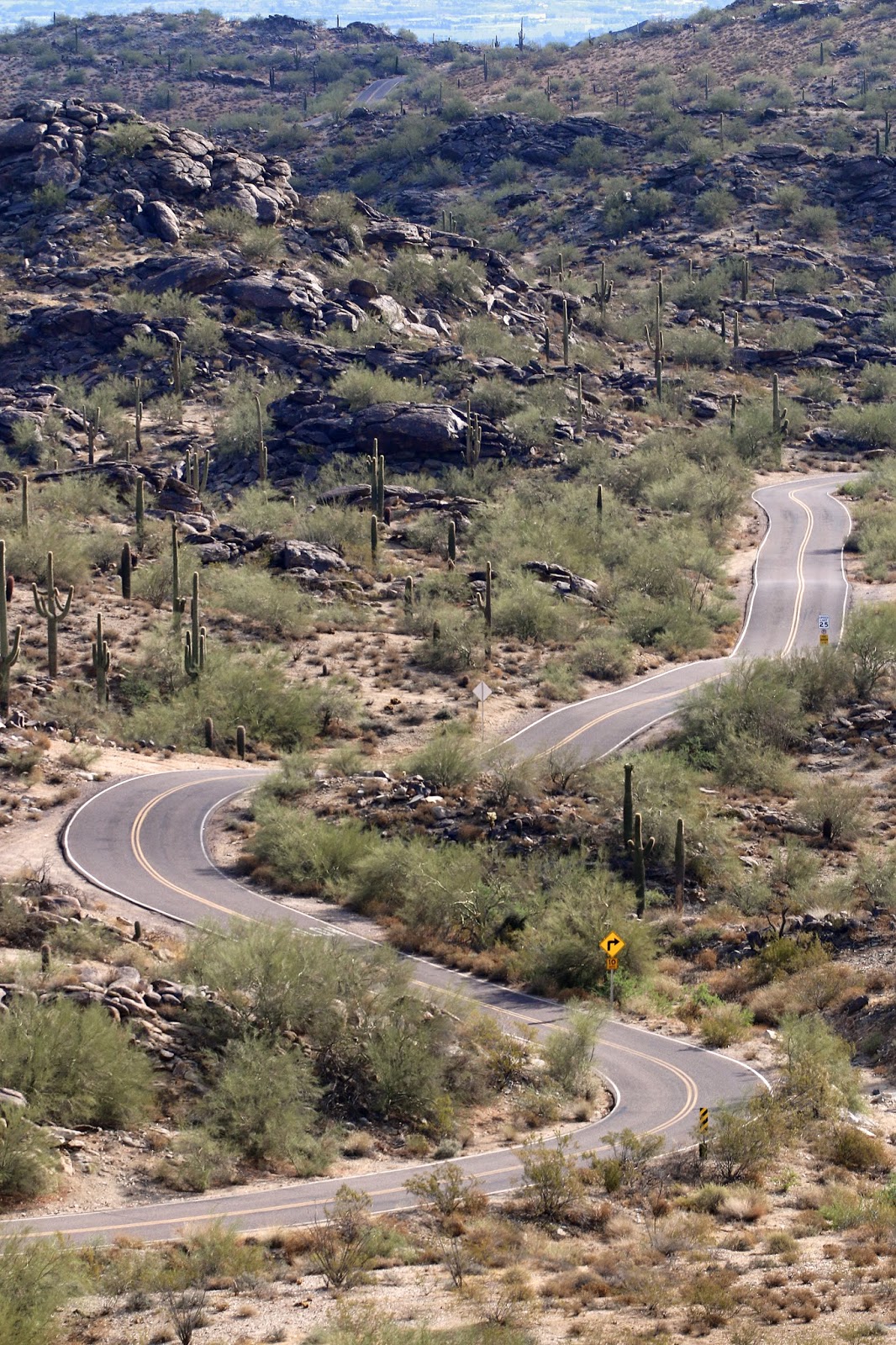
TV Road, south mountain, park, phoenix, arizona,

This is the area I found him. 
He was sunning on the black rocks in the upper third of this picture. 

Saturday, July 5, 2014

Water birds, Rabbits, Coyotes, Hummingbirds, Dragonflies... and more on Today's Walk

An awesome early morning walk at the Riparian Preserve was amazingly productive for a hot July day in Gilbert Arizona. 

All the images below are from today. You can see even more at http://www.azdewphoto.com


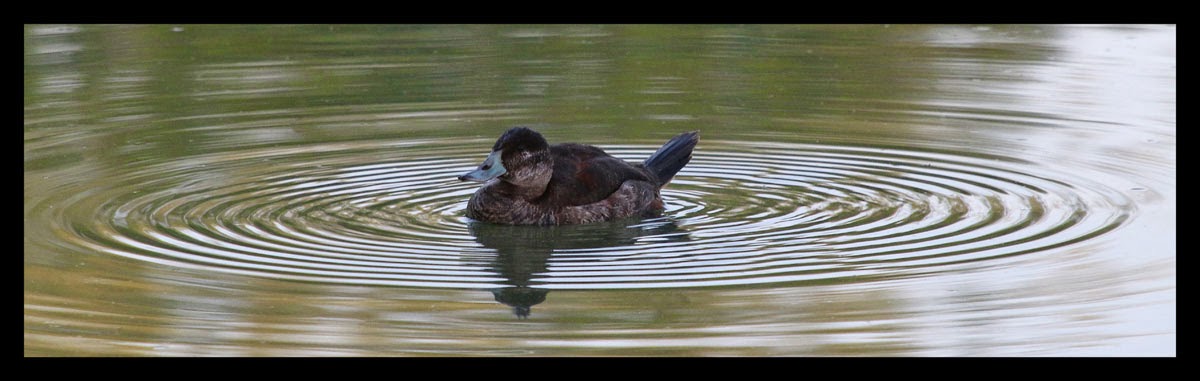
Water Bird

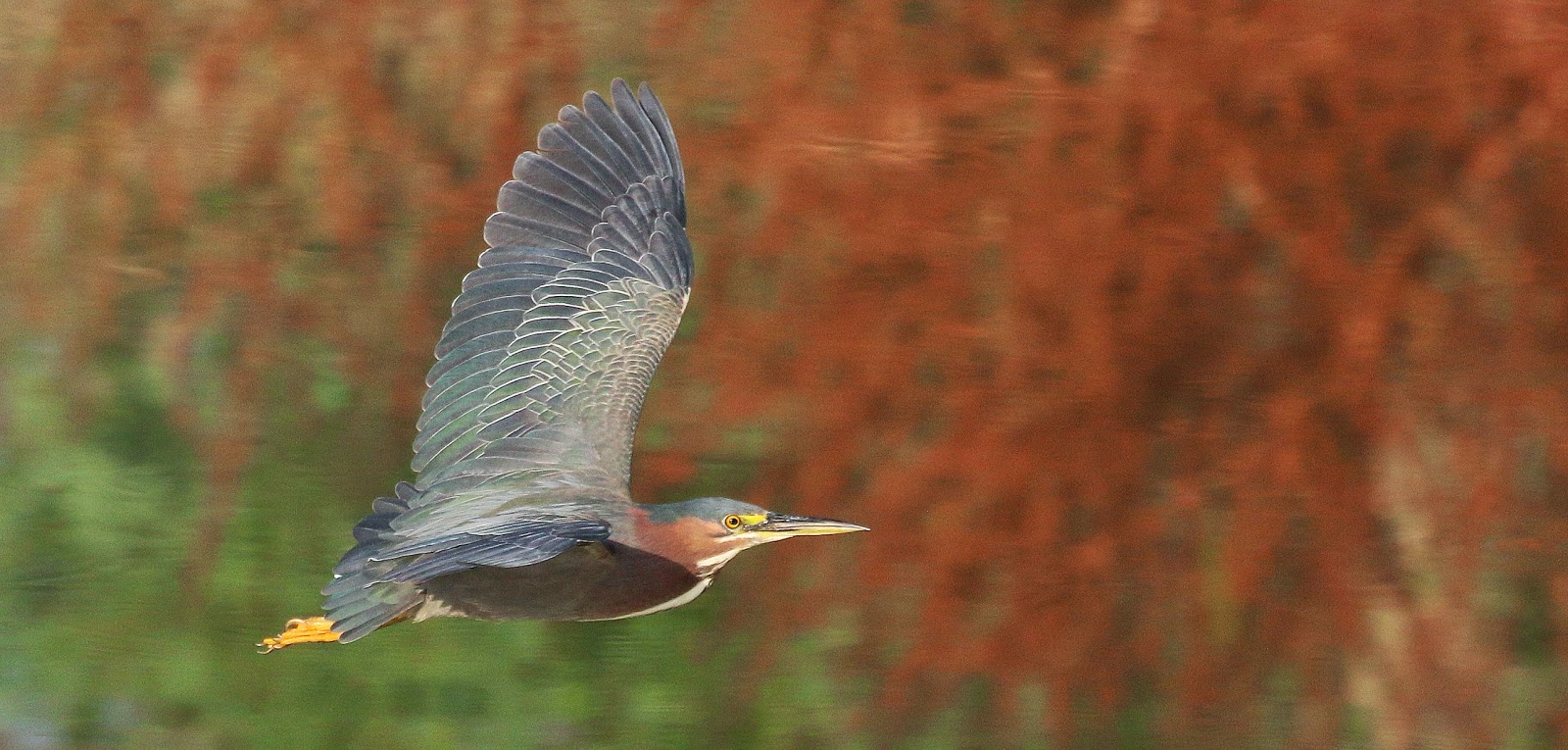
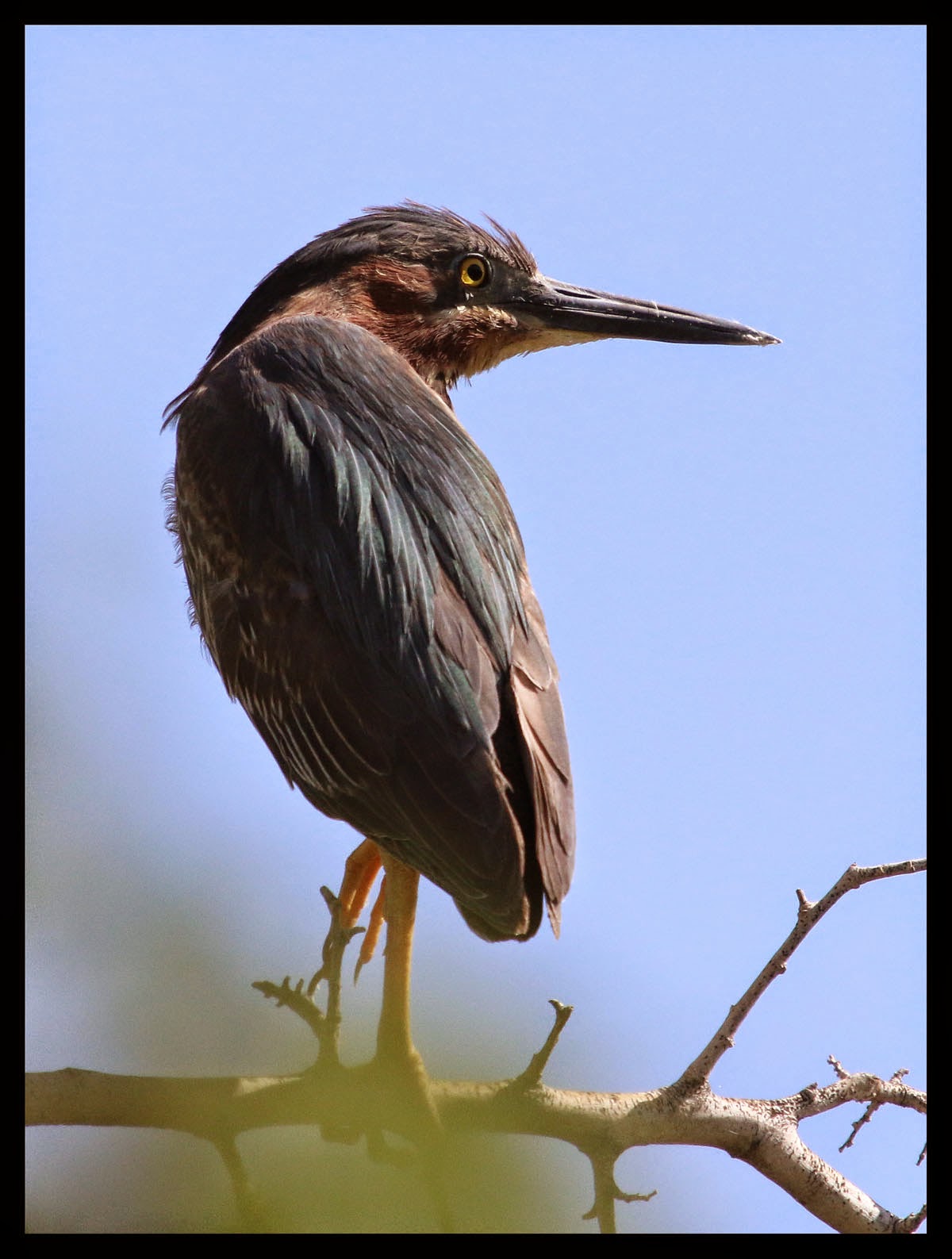
Green Heron


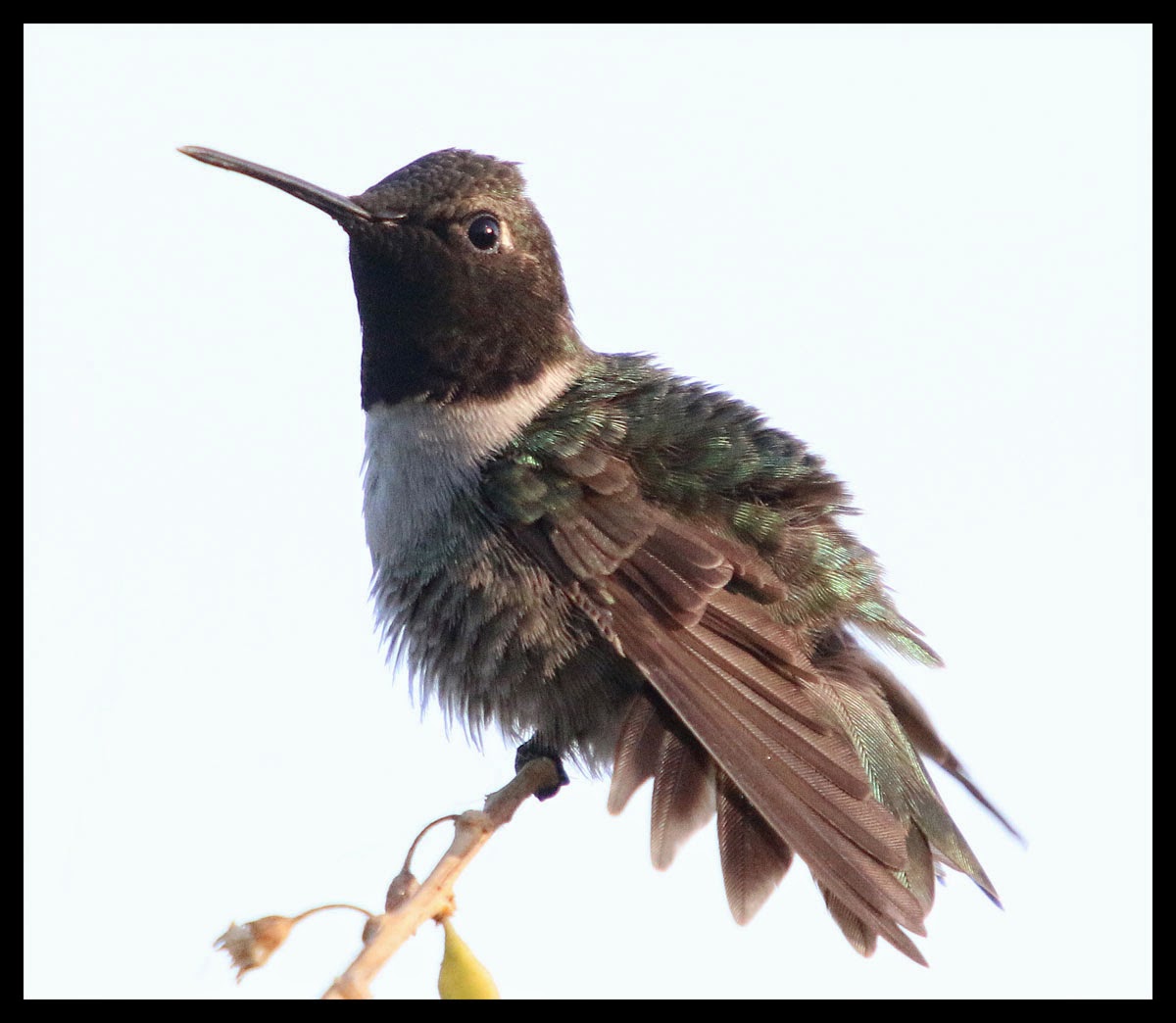
Hummingbird

Dragonfly GRP

Rabbit, baby, gilbert, arizona, riparian preserve

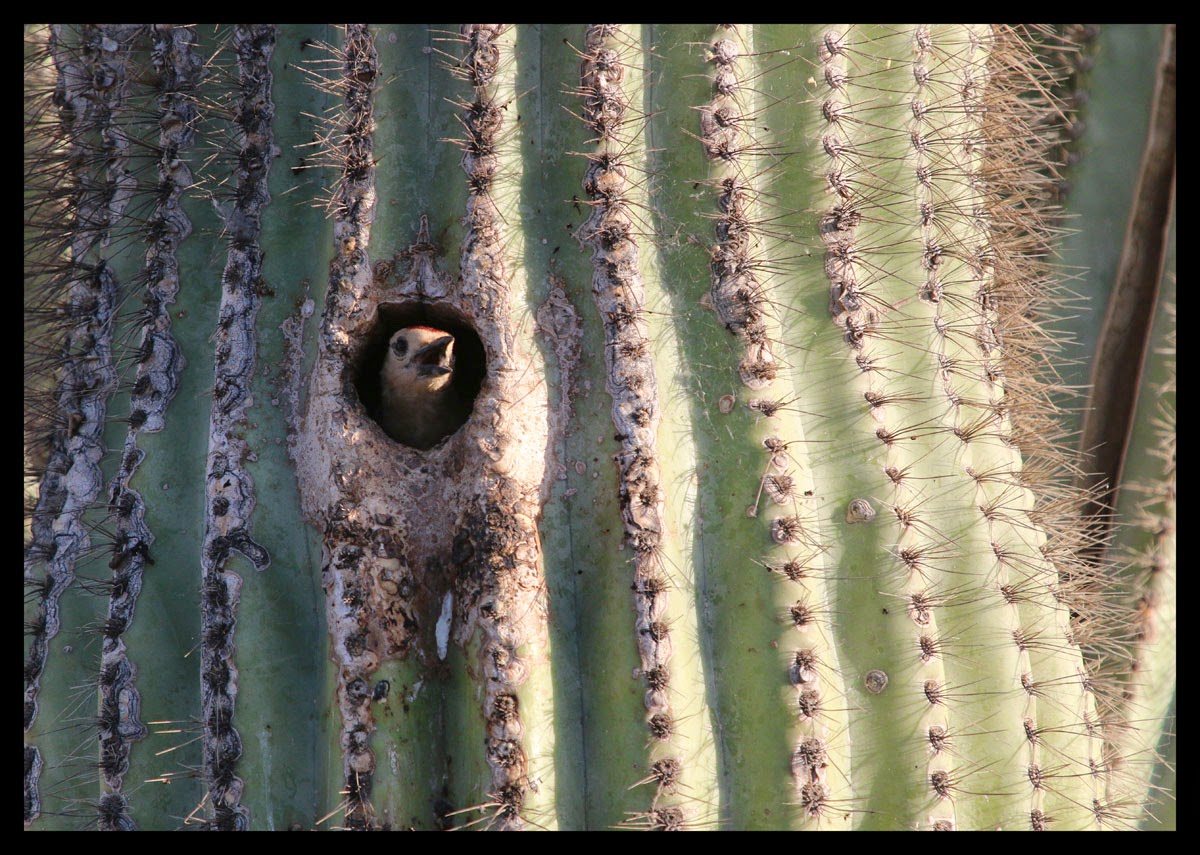
Thrasher, nest, saguaro, cactus, riparian preserve,

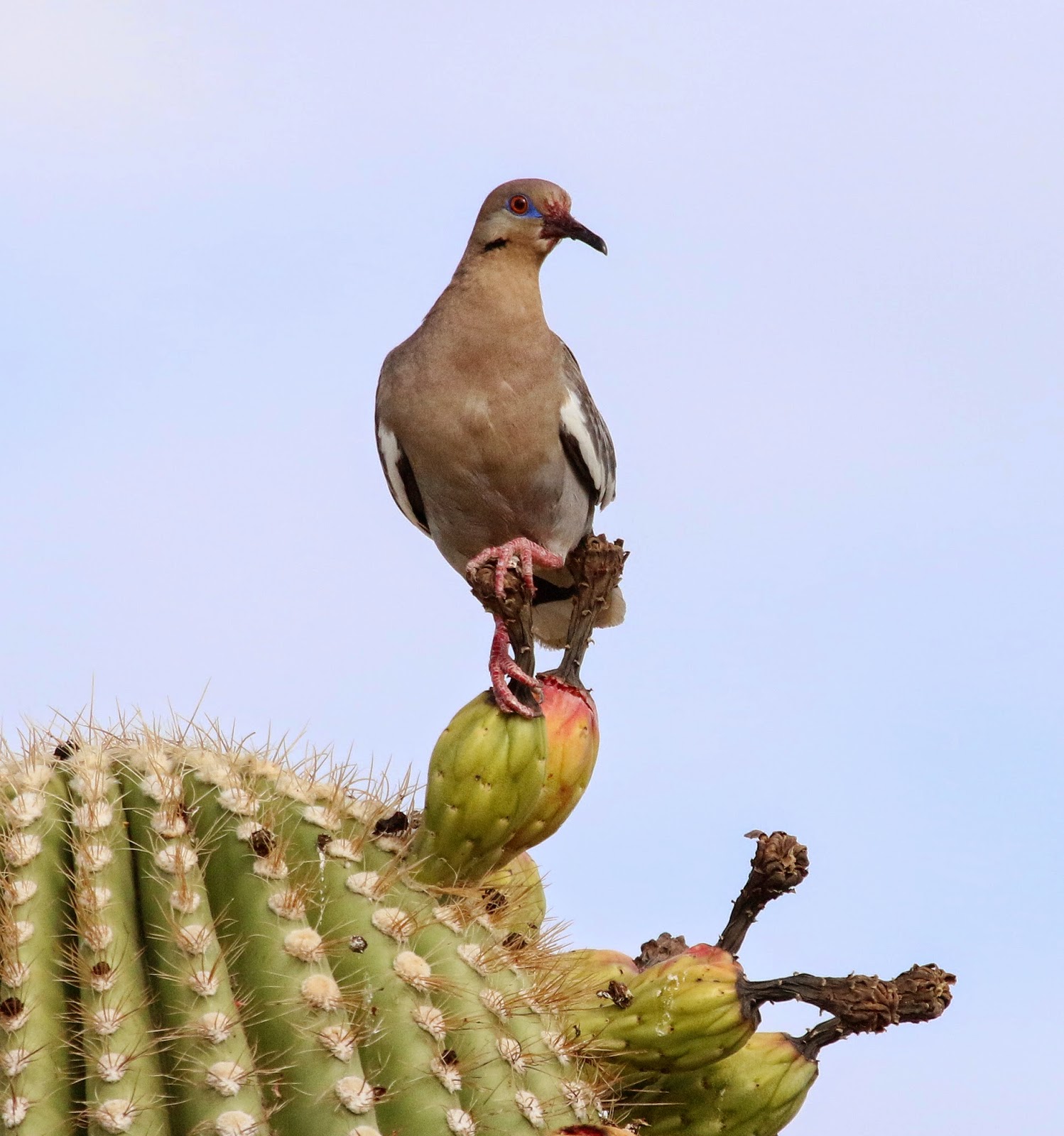
ring neck dove,

dragonfly, gilbert riparian preserve, GRP

dragonfly

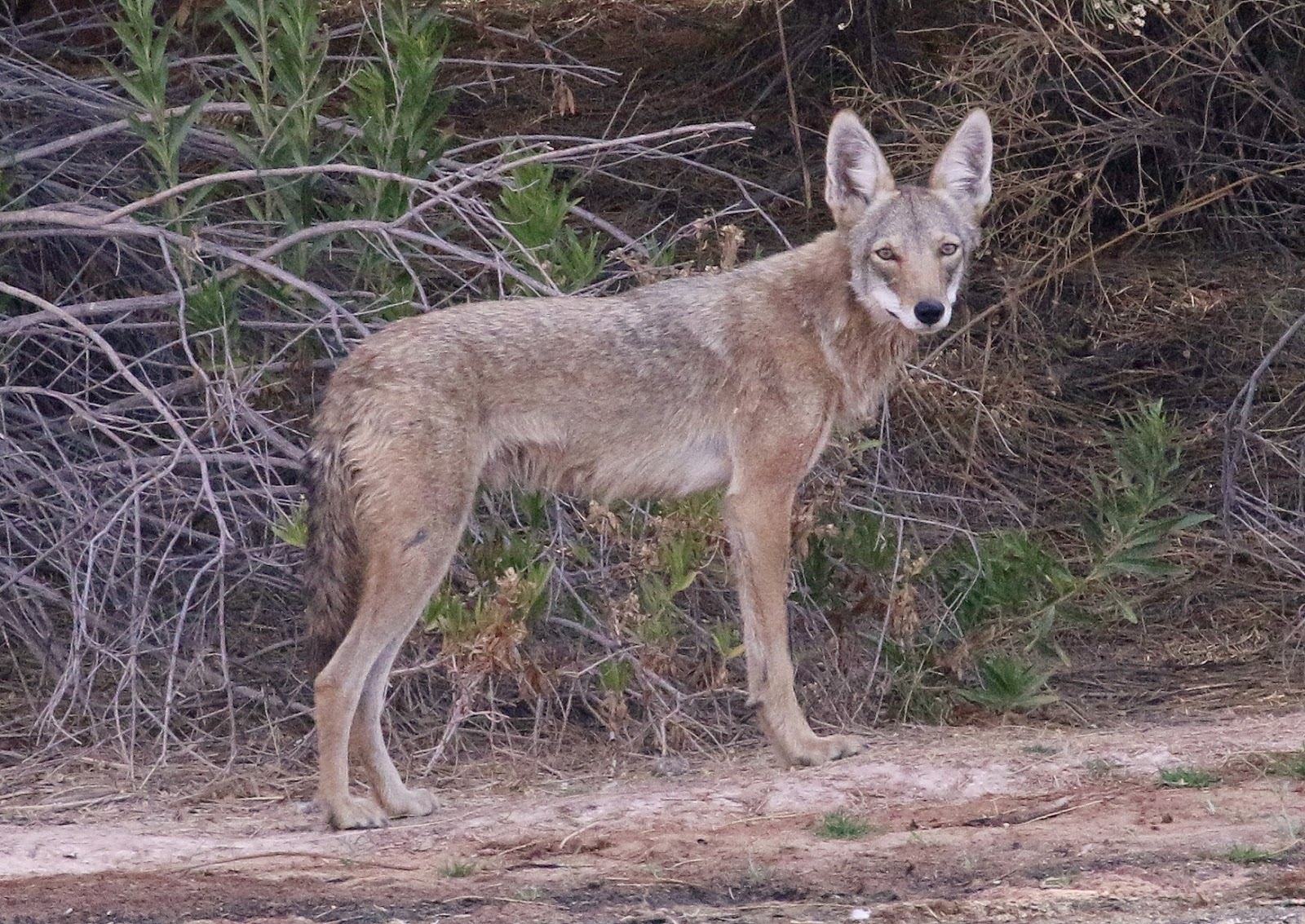
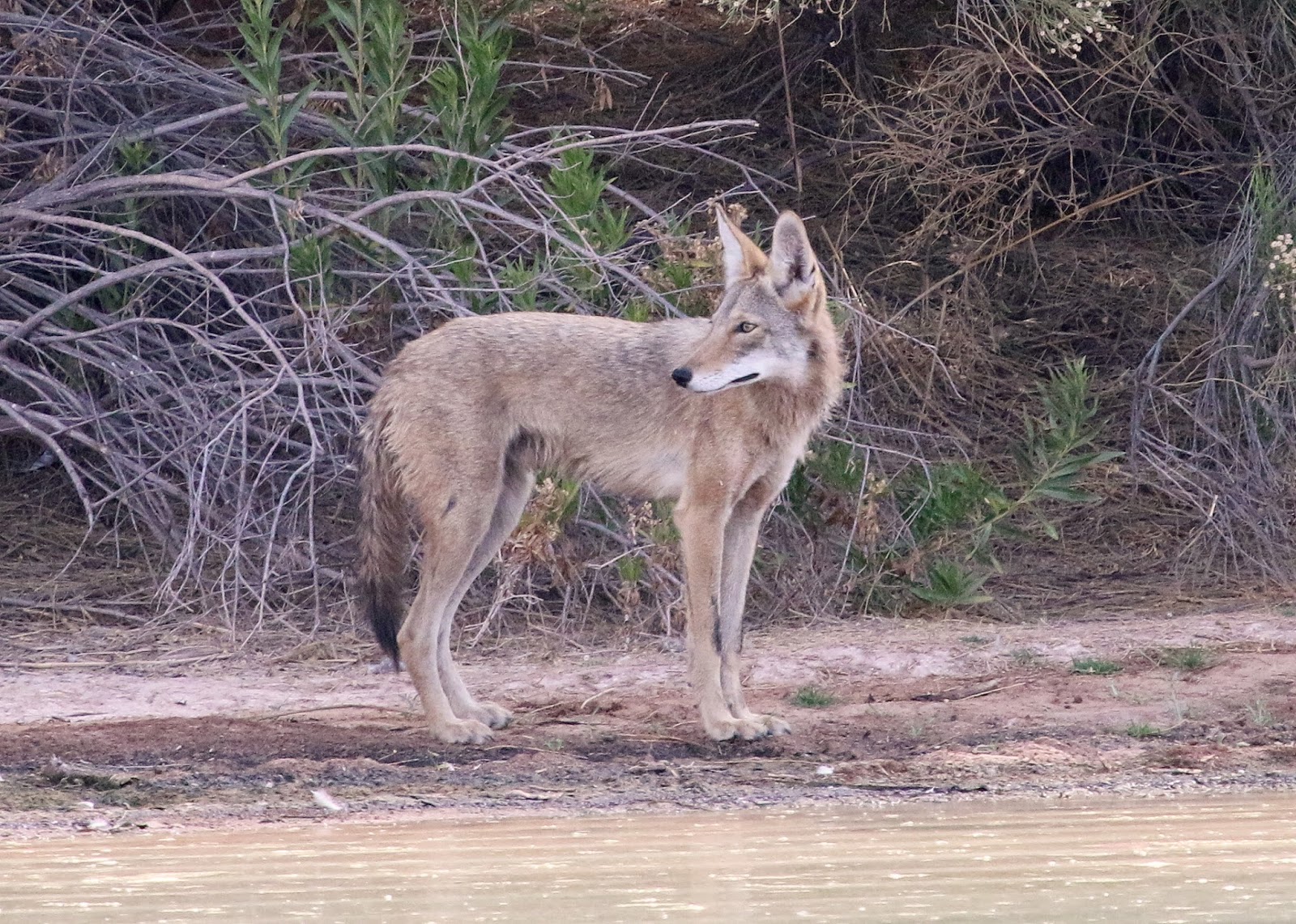
coyote, gilbert, Arizona, riparian preserve,

wild, coyote, gilbert, Arizona

coyote, riparian preserve, pond, july,

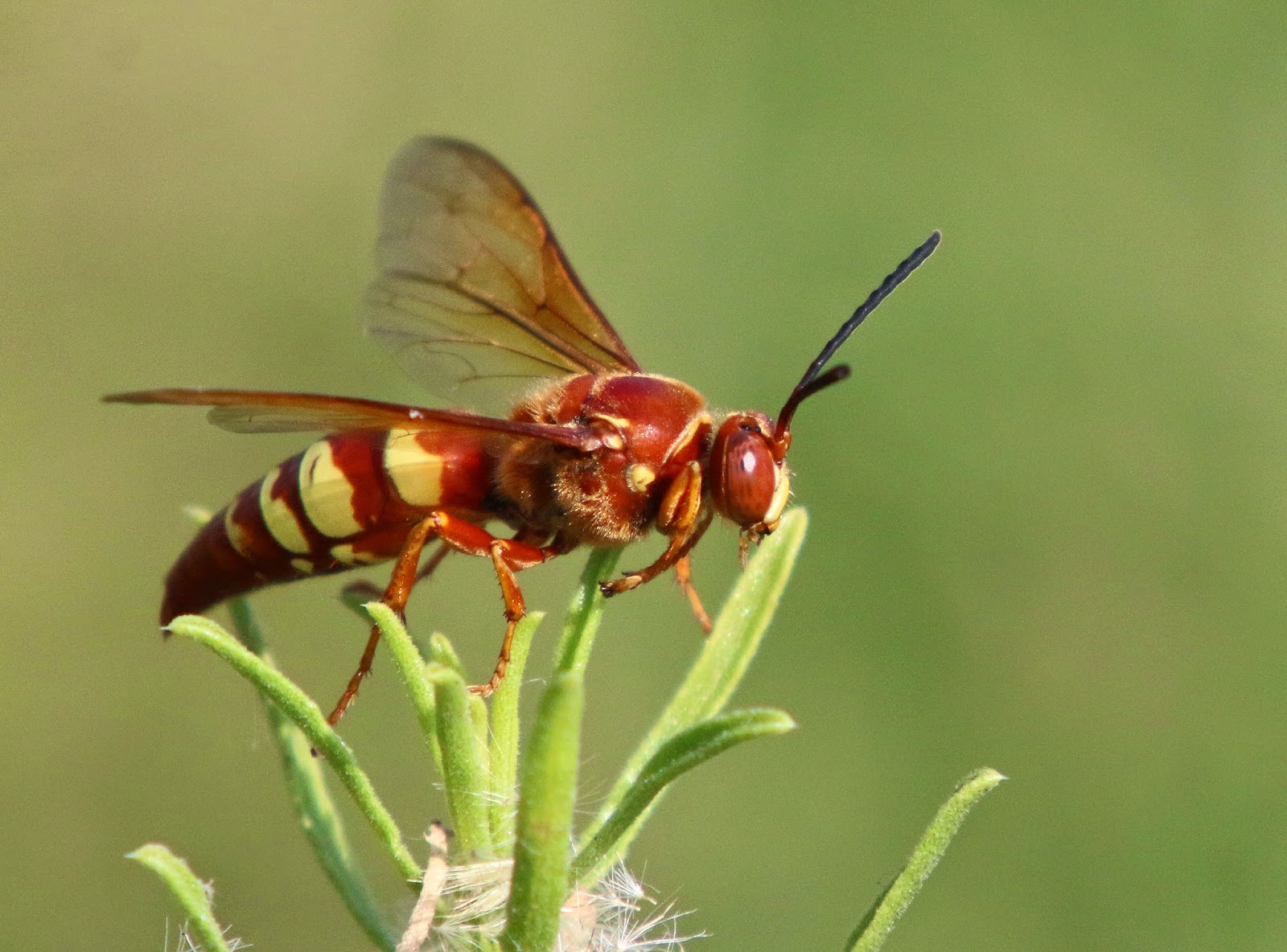
wasp, gilbert, arizona, riparian preserve,

swallows, GRP, Gilbert Arizona,

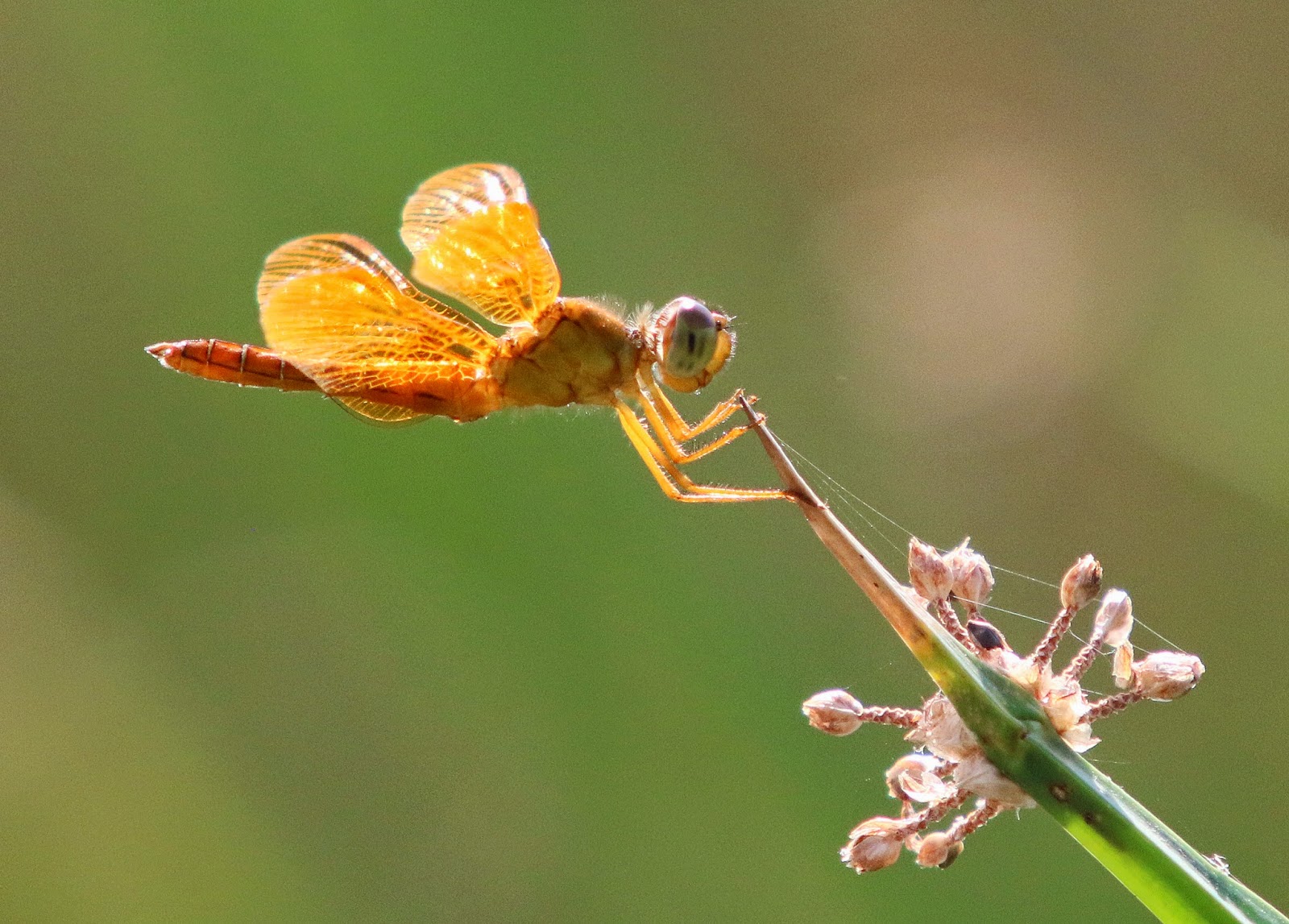
dragonfly, golden, Riparian Preserve,

Tuesday, July 1, 2014

Horseshoe Bend - Page, Arizona

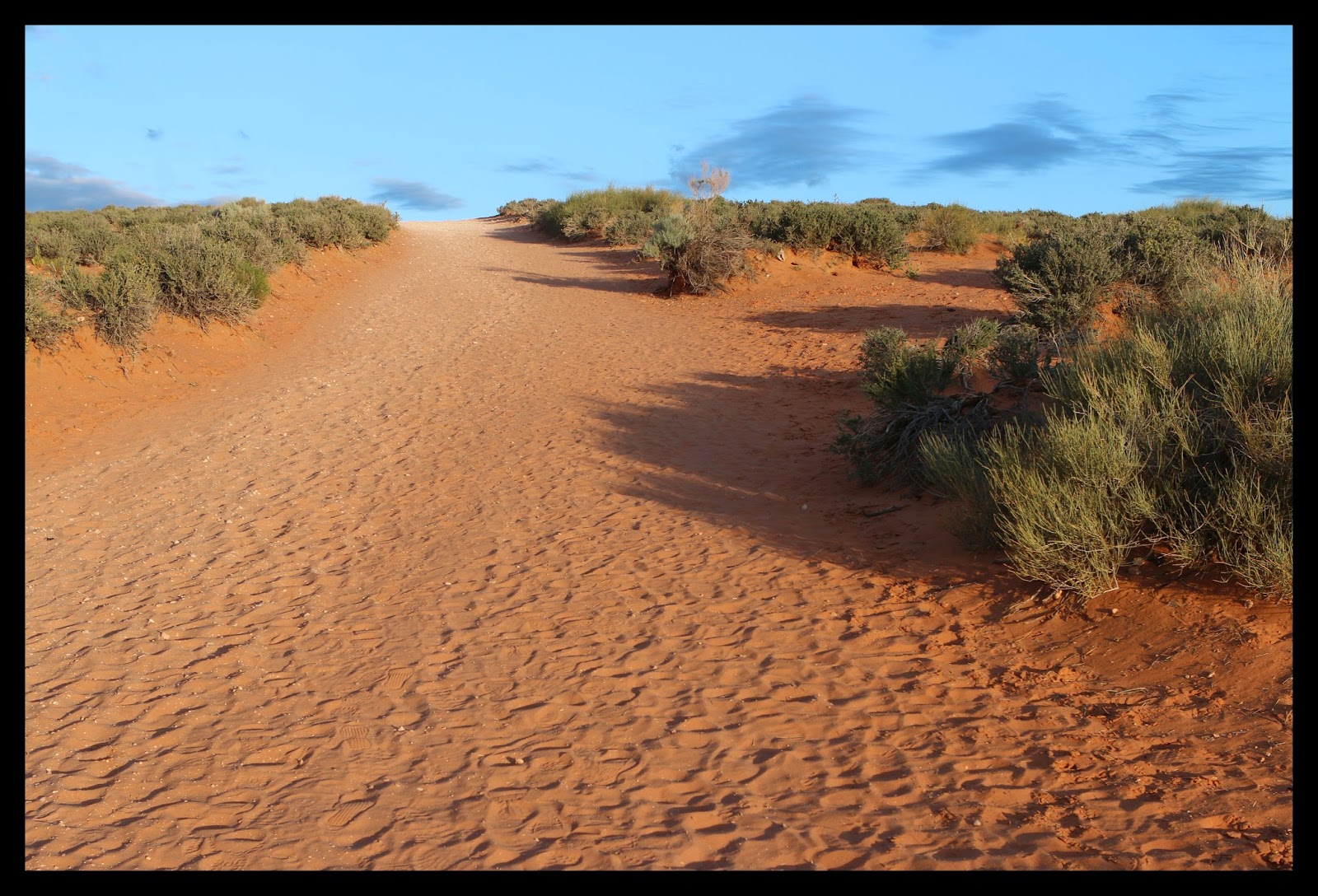
We recently spent the night in Page, Arizona. I took the opportunity to get up early and go see a few of the famous landmarks including Horseshoe Bend. It's located a few miles downstream from Glen Canyon Dam and about four miles from Page to the parking area. There is a half mile hike to the edge of the canyon. The trail will slow you down a little because it was mostly soft sand. 

I realize there are millions of pictures of this place but as long as I was in the area I needed to take “my” picture of it. My lens wasn't wide enough to capture the whole horseshoe so I took a series of seven images and stitched them together in Photoshop using the Photomerge feature. It works very well.

The early morning light and high clouds were perfect. I'm glad I took the time to visit this picturesque location. Pictures don't quite capture the true beauty of being there and seeing it with your own eyes. 

Horseshoe Bend, Glen Canyon National Recreation Area, Colorado River. 


The sandy 1/2 mile trail...


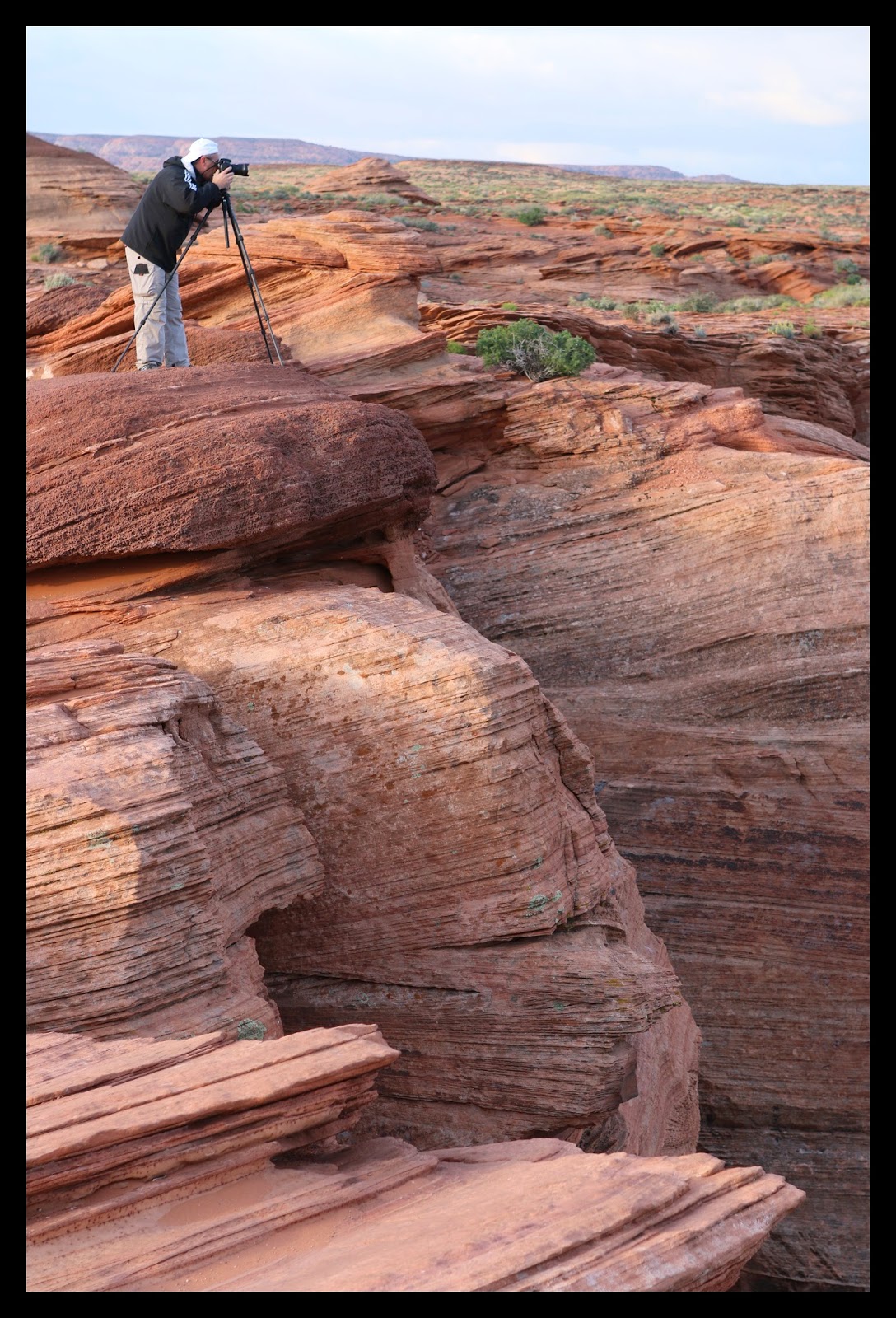
As I approached the site it didn't look like much. There was one other photographer I could see. I included him many of the pictures so you could see the scale of this place. He is standing on the edge of the 1000 foot cliff overlooking Horseshoe Bend and the Colorado River


As I got closer the size of the canyon became apparent and a the canyon opened up with the beautiful greens and blues of the colorado river down below. 


The sides are steep and a beautiful red sandstone. I believe they call it Navajo Sandstone. It was well worth the effort to get up early to be with the first light of the day. This is beautiful country! More info here: Horseshoe Bend, AZ

Friday, June 27, 2014

A Warm 108° June Walk at the Riparian Preserve - Dragonflies Everywhere

It’s been normal 100°+ summer days around here in Gilbert, Arizona. For that reason I haven't been walking much at the Riparian Preserve and I miss it. Not walking means I haven't been taking many pictures. I did however manage to force myself out the door one (108°) afternoon this week, with a camera. 

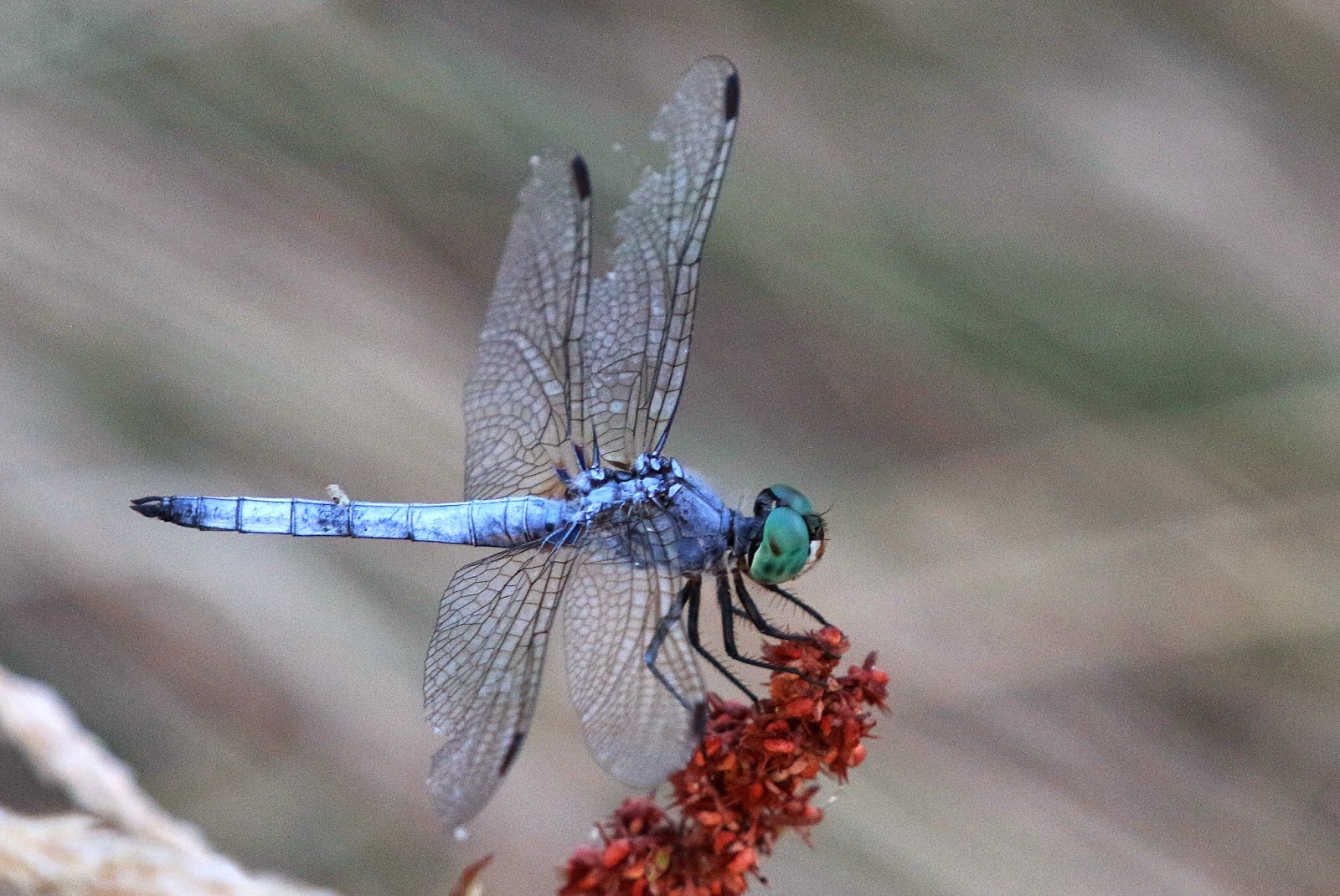
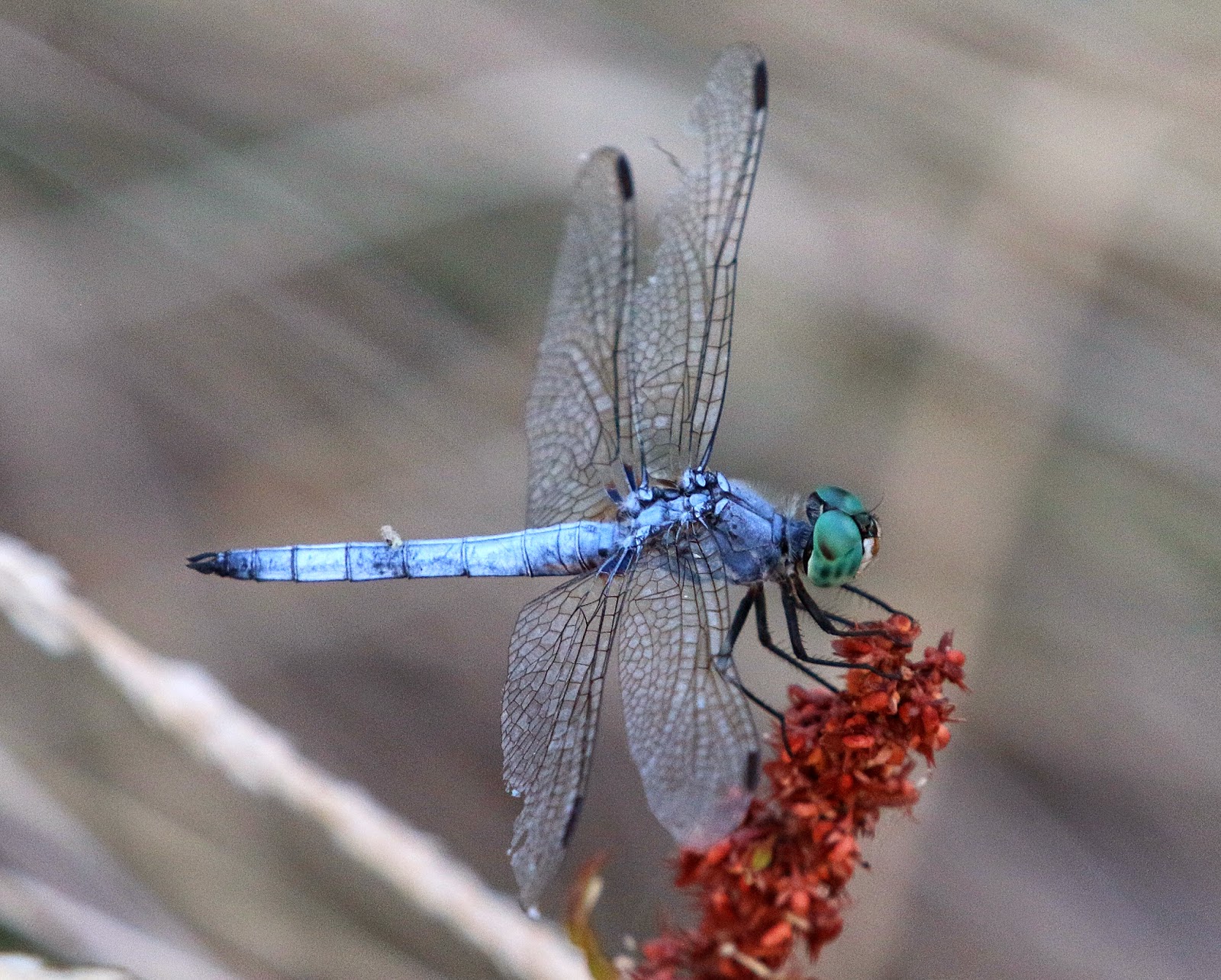
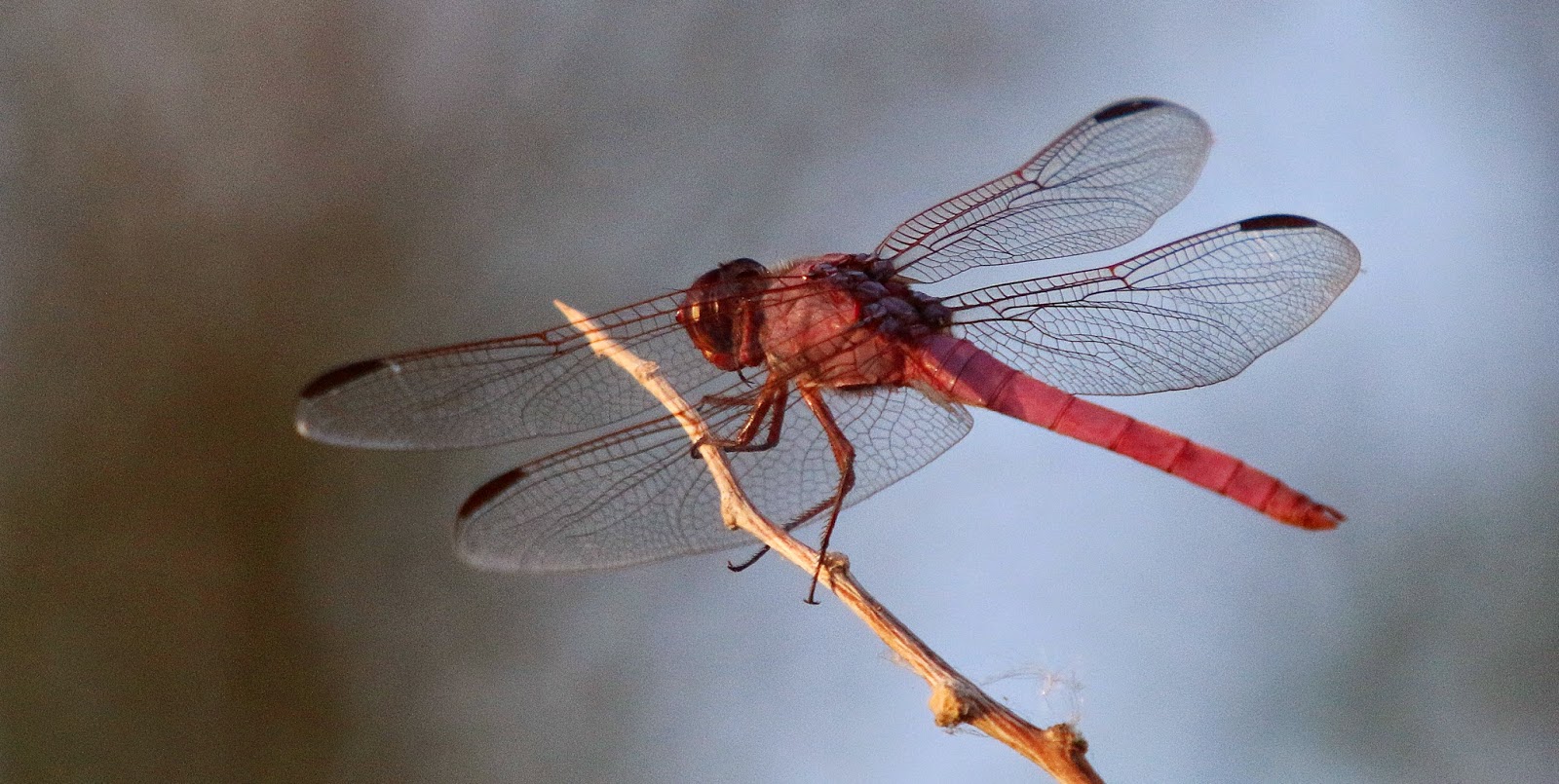
There wasn't a lot to take pictures of but one thing I did see plenty of was dragonflies. They were everywhere. A few were still long enough for me get a shot. I also threw in a few other Riparian pictures from the walk.  

(See my other pictures posted at Flickr and azdewphoto.com)


bird singing gilbert arizona riparian preserve at water ranch


See some of my other stuff posted at Flickr and azdewphoto.com.

Friday, May 23, 2014

Riparian Preserve - A Great Place to Trick Myself into Exercising

Riparian Preserve at Water Ranch is in the middle of Gilbert Arizona. It's surrounded on three sides by homes and a canal on the fourth side. It’s tucked behind a County Library and you would hardly know it is there from the road. It looks like undeveloped land with native plants growing on it. 

According the official Riparian website it’s 110 acres with seven ponds and a lake. Trails wind all around them.  I use the trails to trick myself into exercising. I walk around with a camera and shoot anything that looks interesting. The bottom line is I don’t realize I'm walking as much as I am when I’m “hunting” for that interesting shot. Here are some images from recent “exercise” sessions. 


I am sure glad this place is close by. It is not only great exercise to walk the trails, it's fun to see what the "interesting thing" of the day my camera will find.

Friday, March 28, 2014

Macro Photography – Photo Stacking for Better Depth of Field


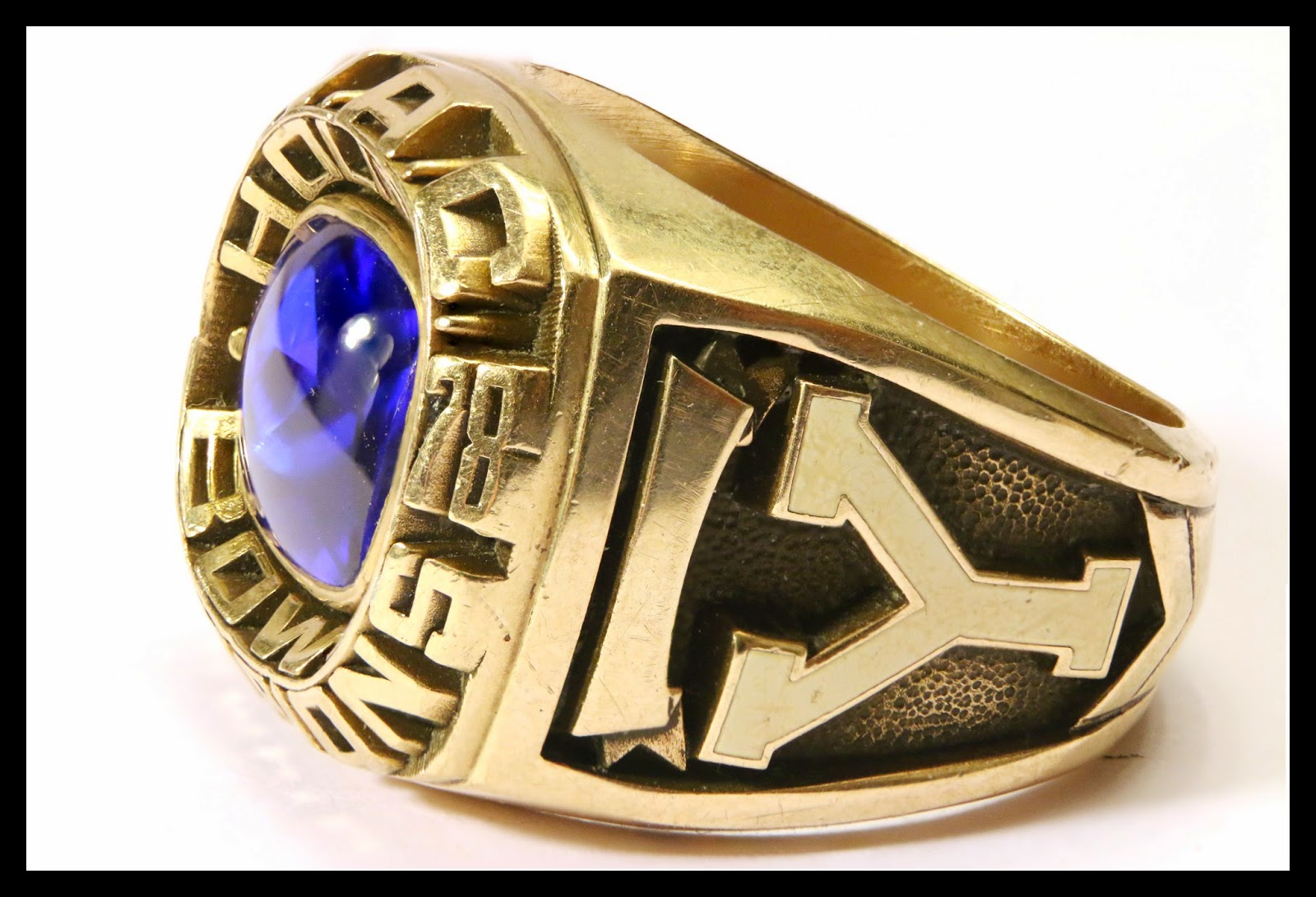
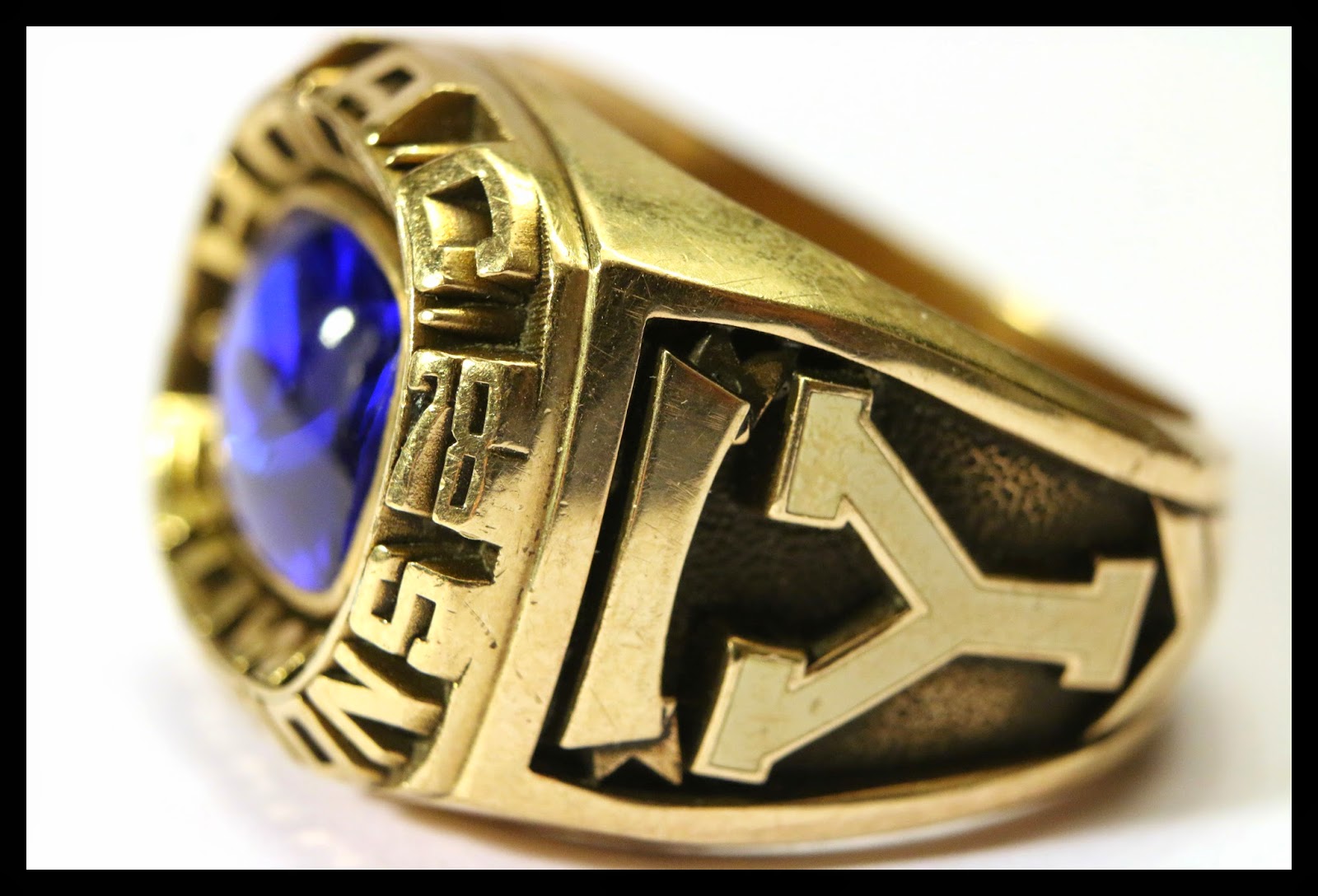
I always wondered how some macro photographers achieved amazing dept of field in their images. I discovered one way they accomplish this is by combining multiple images to create one sharp image. I experimented with it for the first time tonight using some of my old BYU WAC Championship and Holiday Bowl rings as my subjects. 

This is the final product of my Photo Stacking efforts.


Here is what I did.

Using a tripod, I took multiple images of my subject adjusting the focus slightly for each image. My goal was to have every part of my subject in focus in at least one of the images. I want Photoshop to be able to pick out the sharpest parts of each image and combine them into one. 

Once I had all my images on my computer I did the following in Photoshop:

1. Opened all the files of the series in Photoshop. 
2. On File menu I selected “Automate” and then chose “Photomerge”
3. Clicked the “Add Open Files” button
4. Made sure “Blend Images Together” “Vignette Removal” and “Geometric Distortion Correction” were NOT checked
5. Set the Photomerge option to Auto
6. Pressed “OK” and Photoshop combined and aligned all the images into a single file. 
7. With my new image on the screen I selected all the layers in the Layers Palette. 
8. From the Edit menu I selected “Auto Blend Layers”
9. On the Auto Blend Layers menu I chose “Stack Images” and pressed OK
10. Photoshop did all the work.
11. From the resulting image I flattened and saved as JPEG. 


This is one of the many files I used in creating the final product above. As you can see the focus is on the front of the ring with the back remaining out of focus. This is generally what all my macro pictures looked like before I learned about Photo Stacking. 


Here is a more subtle example:
Without Photo Stacking:


With Photo Stacking:


I think the results are worth the effort when depth of field is important. 

Tuesday, March 18, 2014

Lockheed Martin F-35 Lightning II

F-35A Lightning II assigned to the 56th Fighter Wing

new F-35 Fighter F35 Luke Air Force Base training

Here is a picture of the newest kid on the block as it flew by us at Luke AFB. The F-35 is replacing the Air Force's F-16 fighter. It was great to see this amazing machine close up. 

I have more images on my website along with photographs of the Thunderbirds performing. You can see them here: azdewphoto.com

Here is an article about the official ceremony they held this same day: 

Luke AFB Receives First F-35A Lightning II