Friday, June 27, 2014

A Warm 108° June Walk at the Riparian Preserve - Dragonflies Everywhere

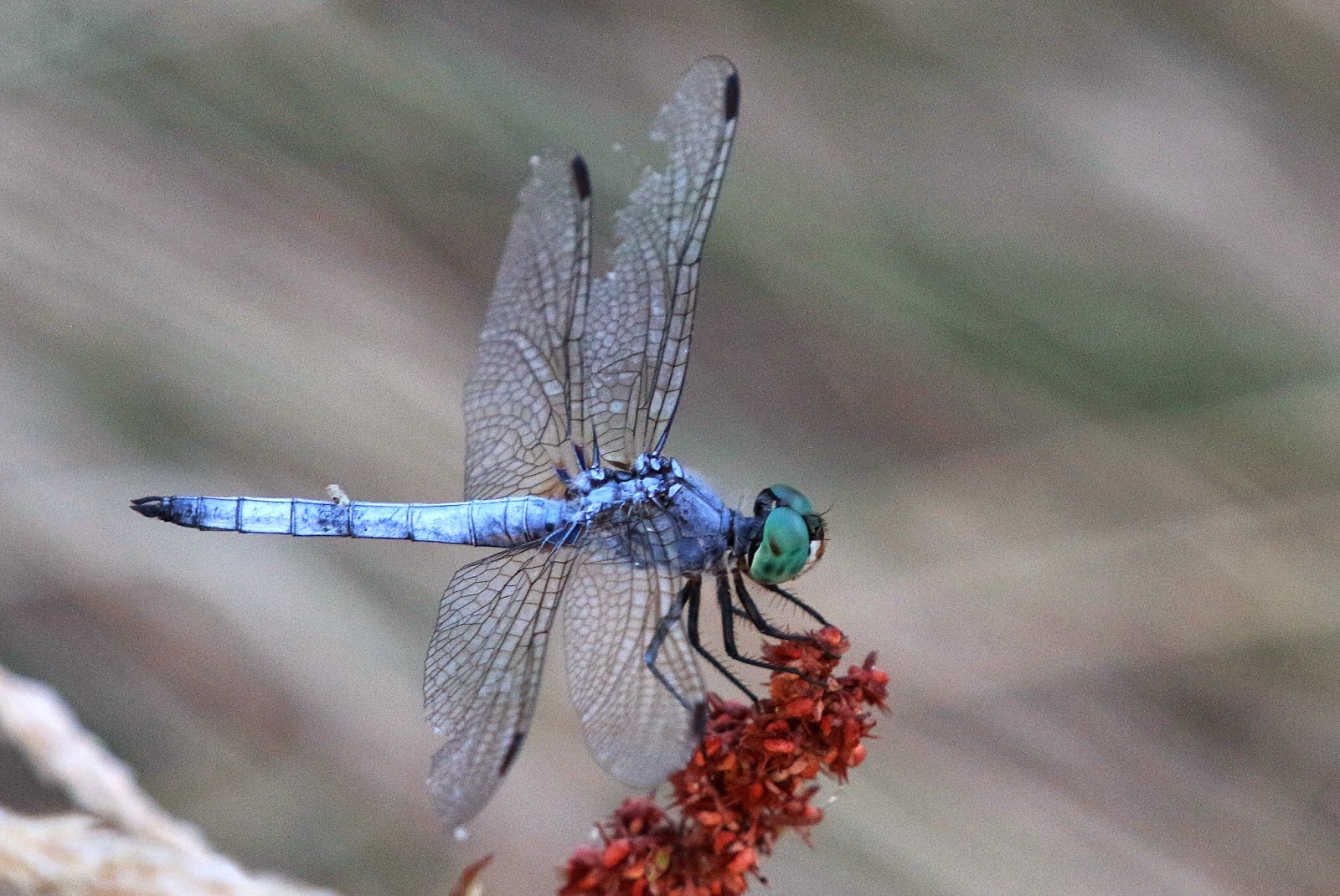
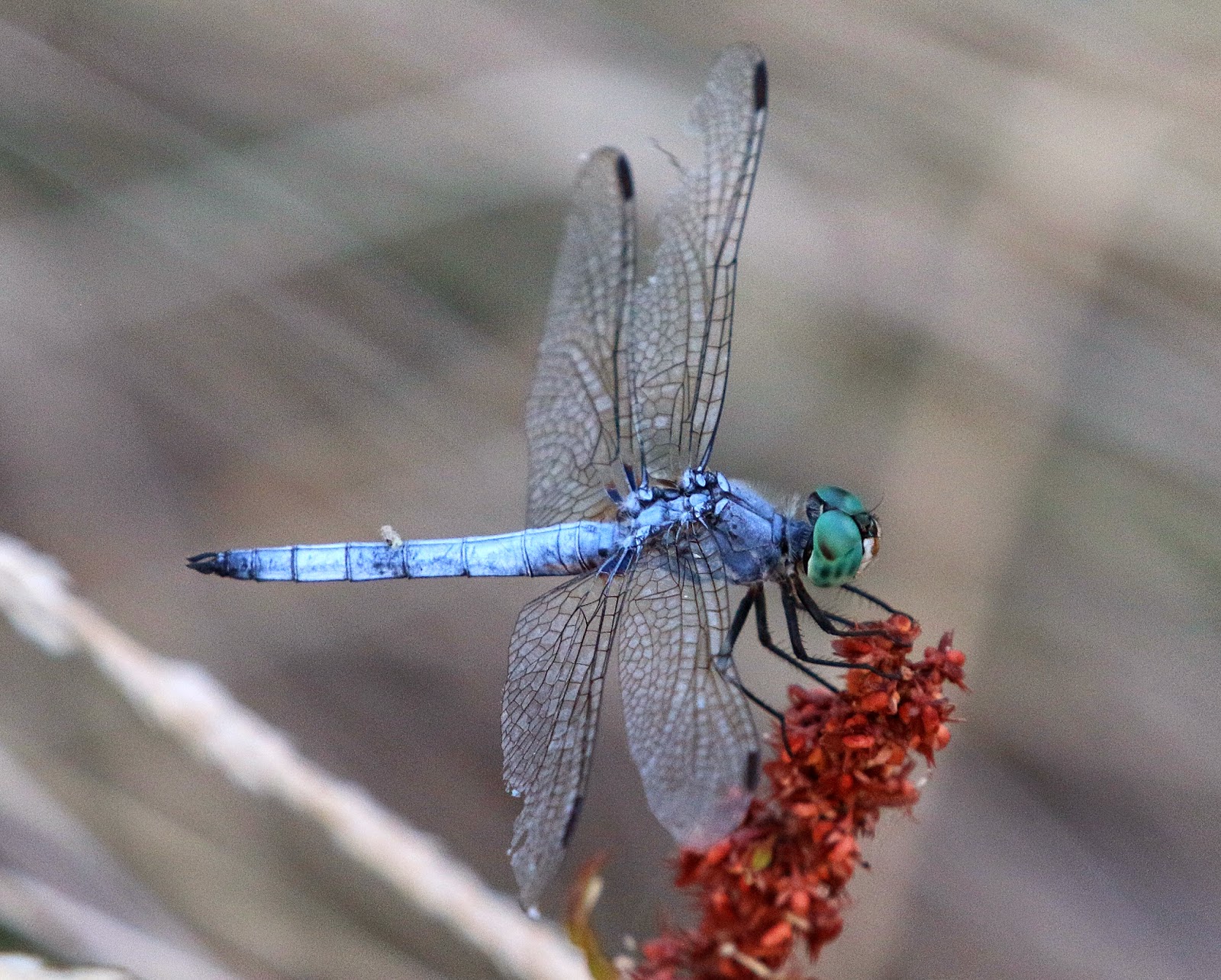
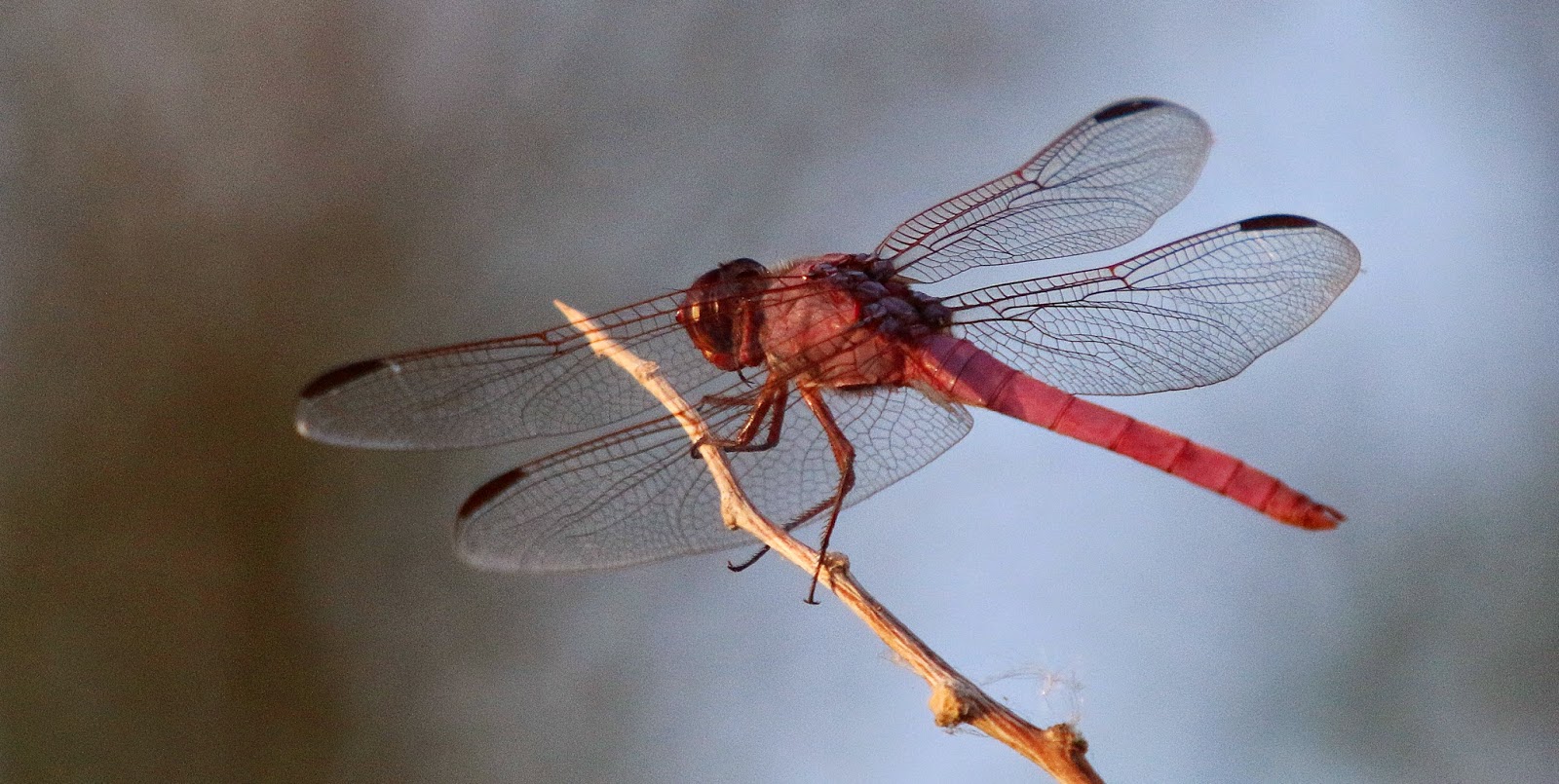
It’s been normal 100°+ summer days around here in Gilbert, Arizona. For that reason I haven't been walking much at the Riparian Preserve and I miss it. Not walking means I haven't been taking many pictures. I did however manage to force myself out the door one (108°) afternoon this week, with a camera. 

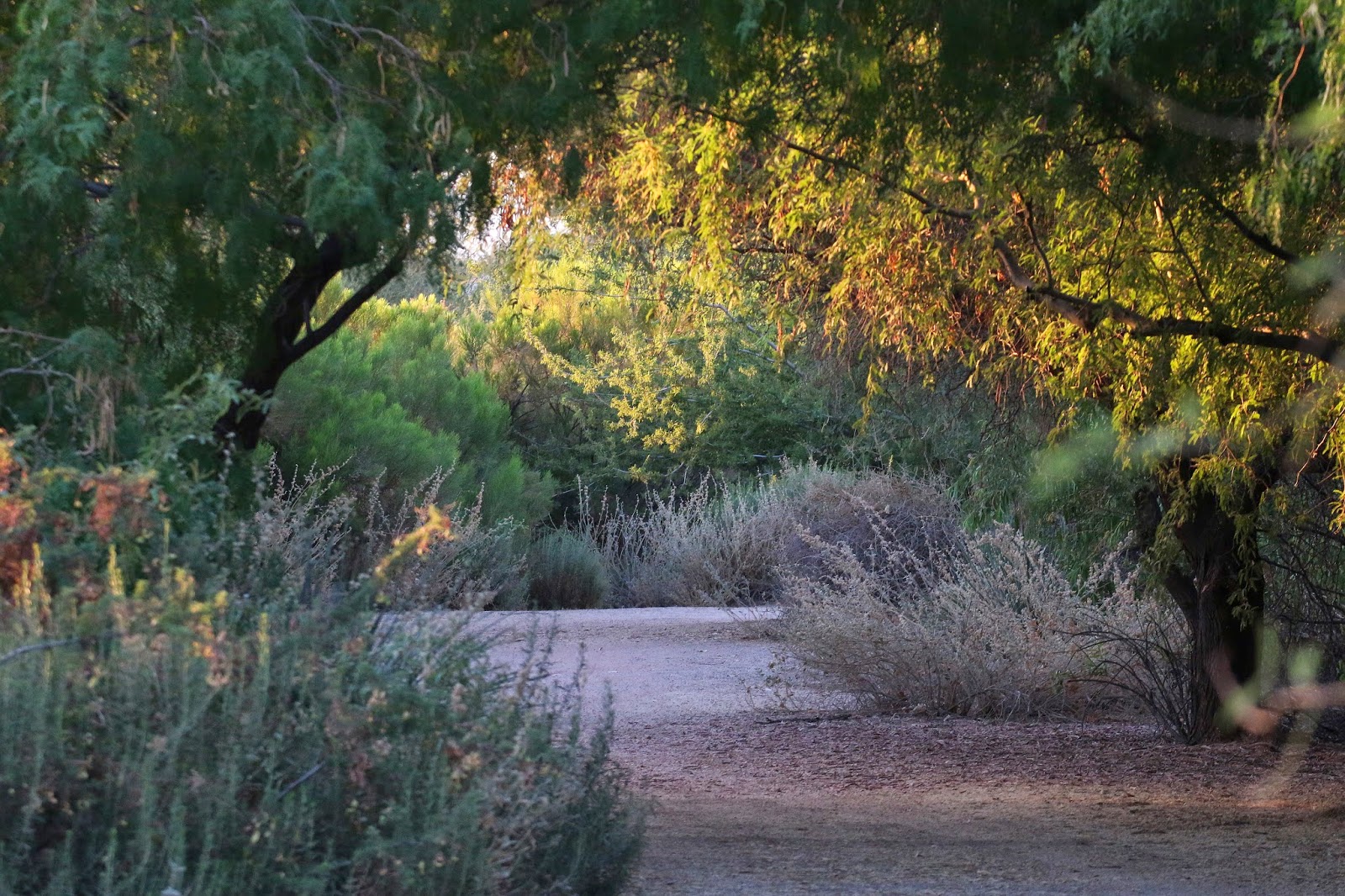
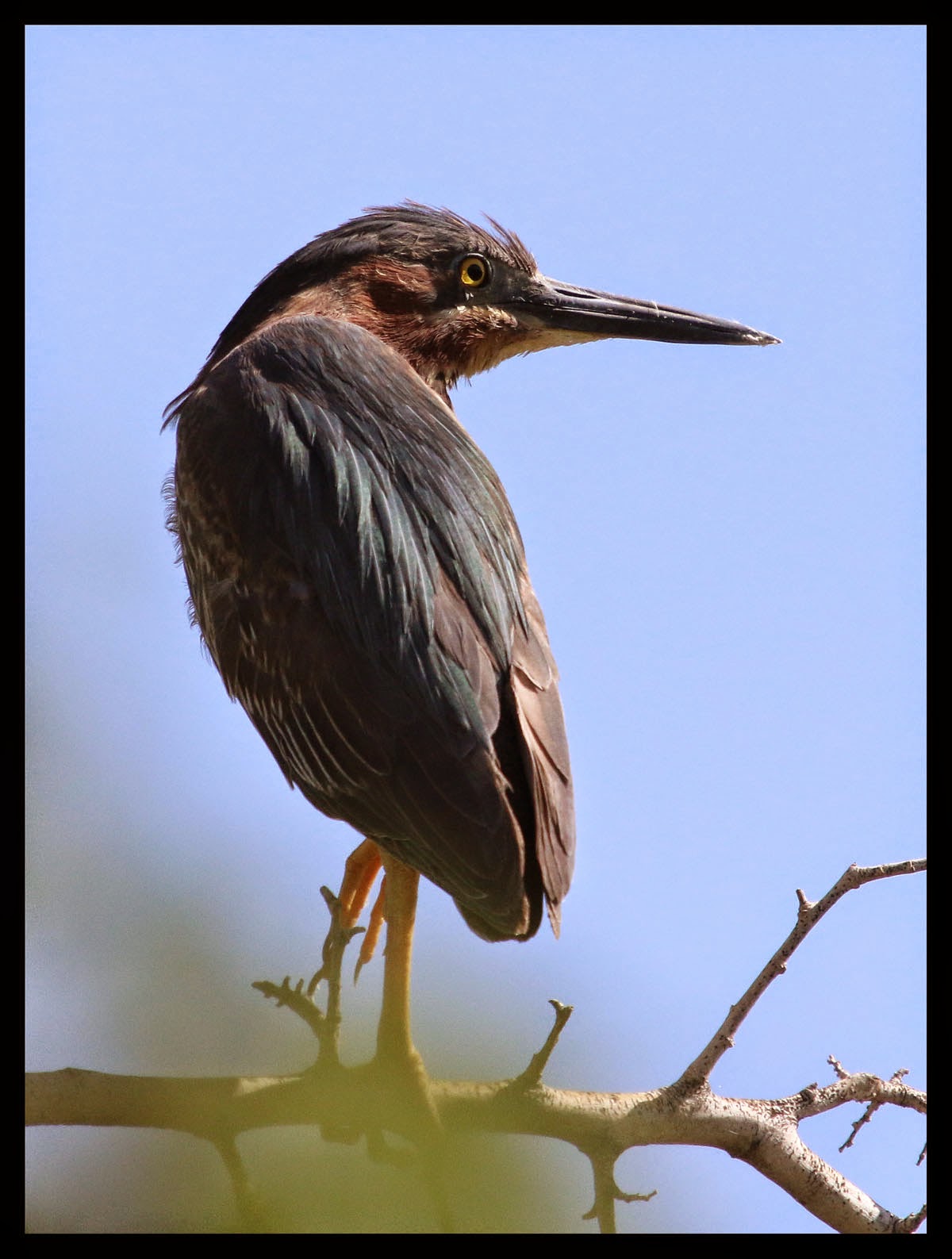
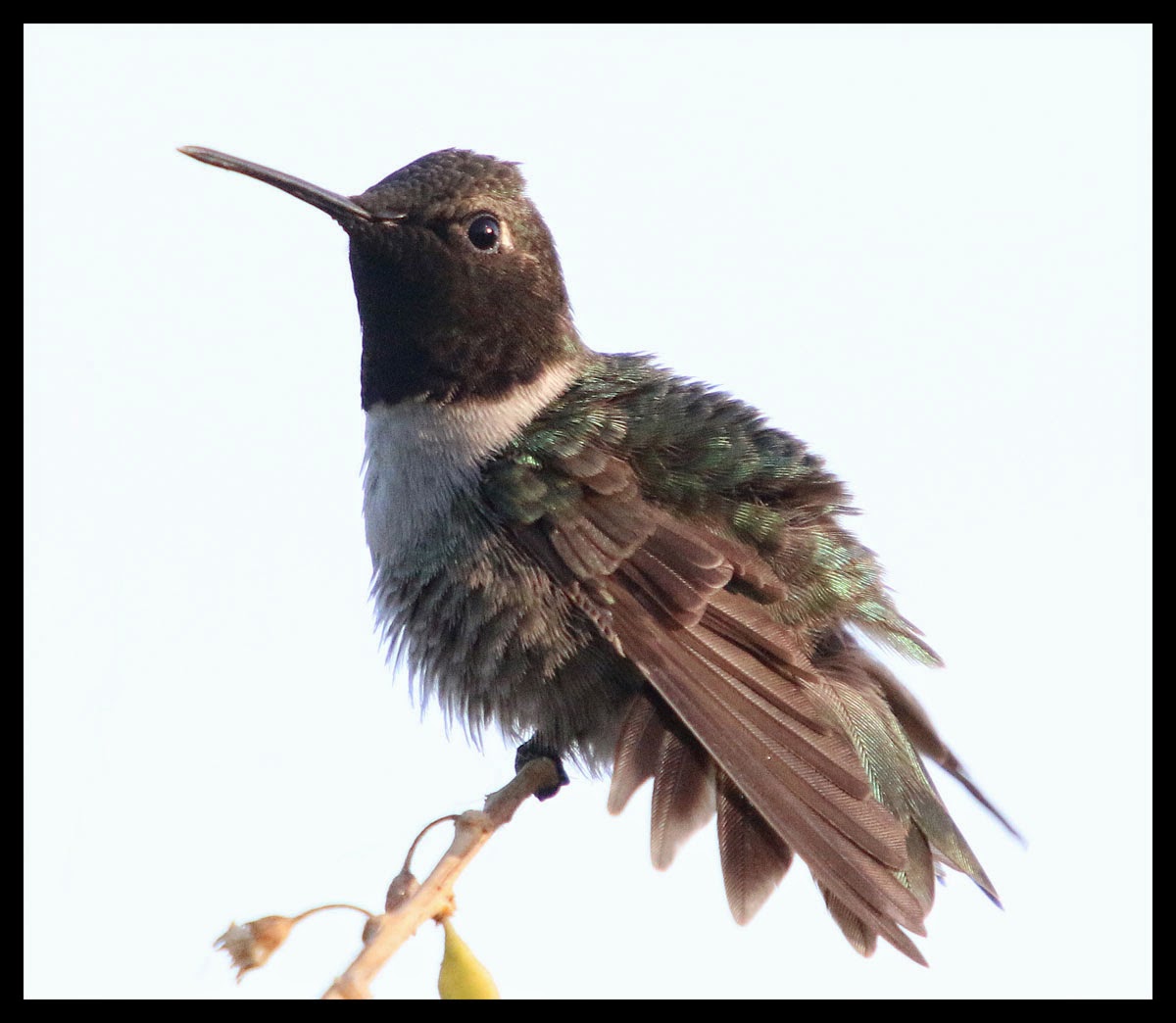
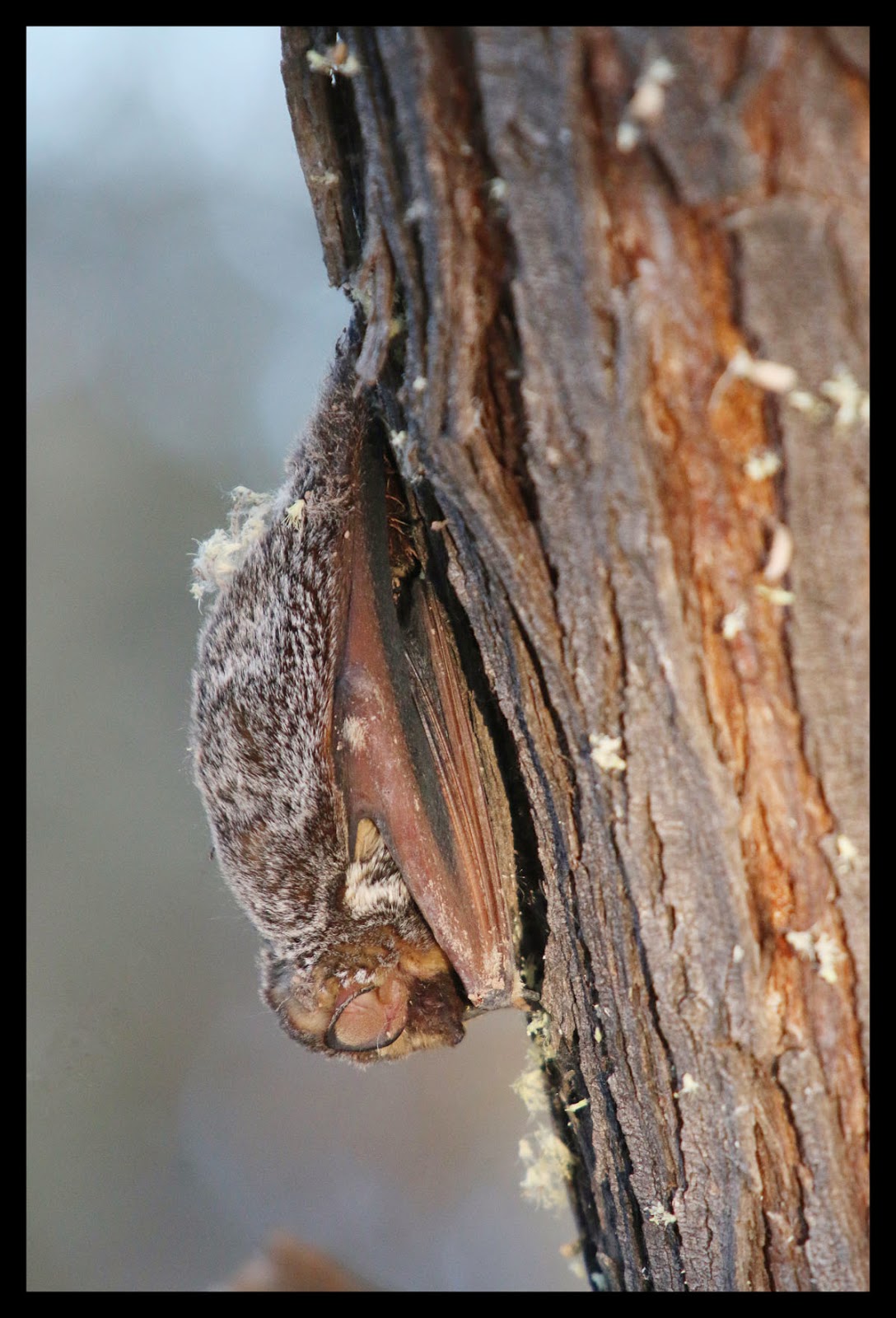
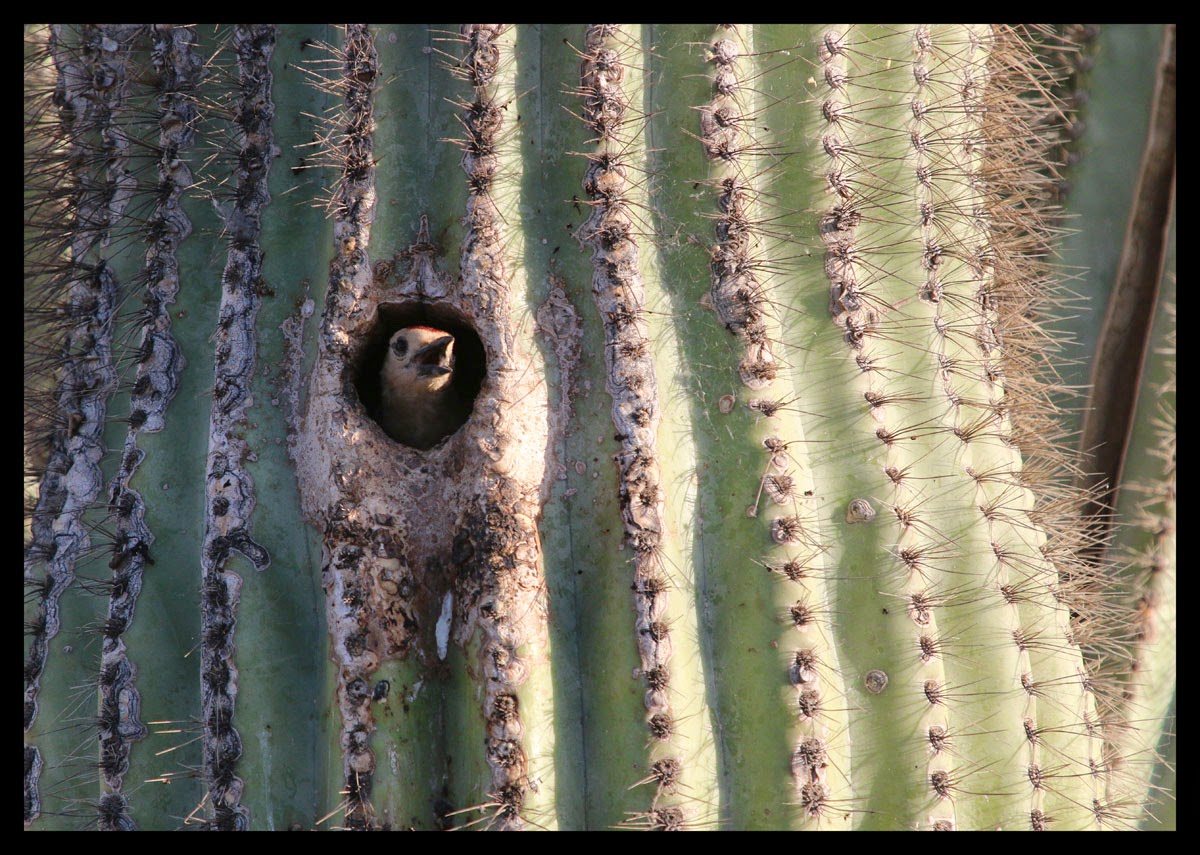
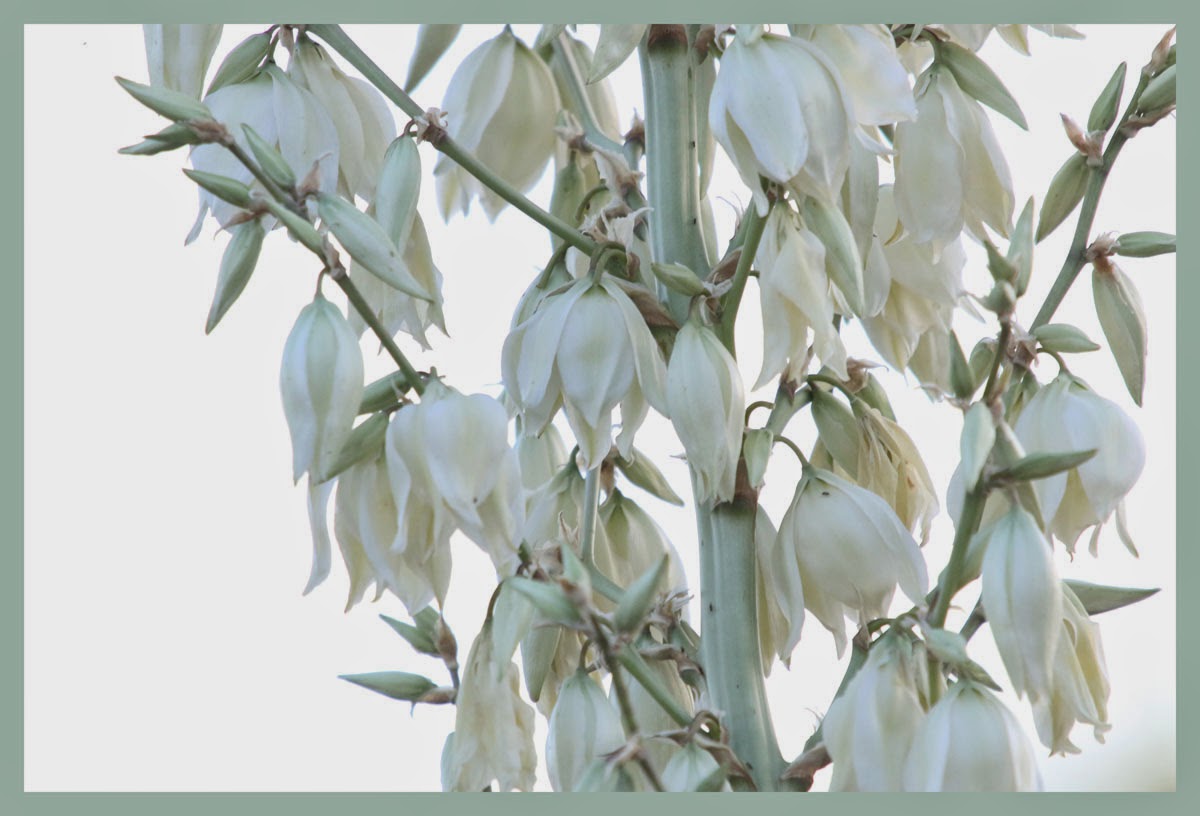
There wasn't a lot to take pictures of but one thing I did see plenty of was dragonflies. They were everywhere. A few were still long enough for me get a shot. I also threw in a few other Riparian pictures from the walk.  

(See my other pictures posted at Flickr and azdewphoto.com)


bird singing gilbert arizona riparian preserve at water ranch


See some of my other stuff posted at Flickr and azdewphoto.com.

Friday, May 23, 2014

Riparian Preserve - A Great Place to Trick Myself into Exercising

Riparian Preserve at Water Ranch is in the middle of Gilbert Arizona. It's surrounded on three sides by homes and a canal on the fourth side. It’s tucked behind a County Library and you would hardly know it is there from the road. It looks like undeveloped land with native plants growing on it. 

According the official Riparian website it’s 110 acres with seven ponds and a lake. Trails wind all around them.  I use the trails to trick myself into exercising. I walk around with a camera and shoot anything that looks interesting. The bottom line is I don’t realize I'm walking as much as I am when I’m “hunting” for that interesting shot. Here are some images from recent “exercise” sessions. 


I am sure glad this place is close by. It is not only great exercise to walk the trails, it's fun to see what the "interesting thing" of the day my camera will find.

Friday, March 28, 2014

Macro Photography – Photo Stacking for Better Depth of Field


I always wondered how some macro photographers achieved amazing dept of field in their images. I discovered one way they accomplish this is by combining multiple images to create one sharp image. I experimented with it for the first time tonight using some of my old BYU WAC Championship and Holiday Bowl rings as my subjects. 

This is the final product of my Photo Stacking efforts.


Here is what I did.

Using a tripod, I took multiple images of my subject adjusting the focus slightly for each image. My goal was to have every part of my subject in focus in at least one of the images. I want Photoshop to be able to pick out the sharpest parts of each image and combine them into one. 

Once I had all my images on my computer I did the following in Photoshop:

1. Opened all the files of the series in Photoshop. 
2. On File menu I selected “Automate” and then chose “Photomerge”
3. Clicked the “Add Open Files” button
4. Made sure “Blend Images Together” “Vignette Removal” and “Geometric Distortion Correction” were NOT checked
5. Set the Photomerge option to Auto
6. Pressed “OK” and Photoshop combined and aligned all the images into a single file. 
7. With my new image on the screen I selected all the layers in the Layers Palette. 
8. From the Edit menu I selected “Auto Blend Layers”
9. On the Auto Blend Layers menu I chose “Stack Images” and pressed OK
10. Photoshop did all the work.
11. From the resulting image I flattened and saved as JPEG. 


This is one of the many files I used in creating the final product above. As you can see the focus is on the front of the ring with the back remaining out of focus. This is generally what all my macro pictures looked like before I learned about Photo Stacking. 


Here is a more subtle example:
Without Photo Stacking:


With Photo Stacking:


I think the results are worth the effort when depth of field is important. 

Tuesday, March 18, 2014

Lockheed Martin F-35 Lightning II

F-35A Lightning II assigned to the 56th Fighter Wing

new F-35 Fighter F35 Luke Air Force Base training

Here is a picture of the newest kid on the block as it flew by us at Luke AFB. The F-35 is replacing the Air Force's F-16 fighter. It was great to see this amazing machine close up. 

I have more images on my website along with photographs of the Thunderbirds performing. You can see them here: azdewphoto.com

Here is an article about the official ceremony they held this same day: 

Luke AFB Receives First F-35A Lightning II


Saturday, March 15, 2014

Crossing Shot - Thunderbirds at Luke AFB – 3/14/14


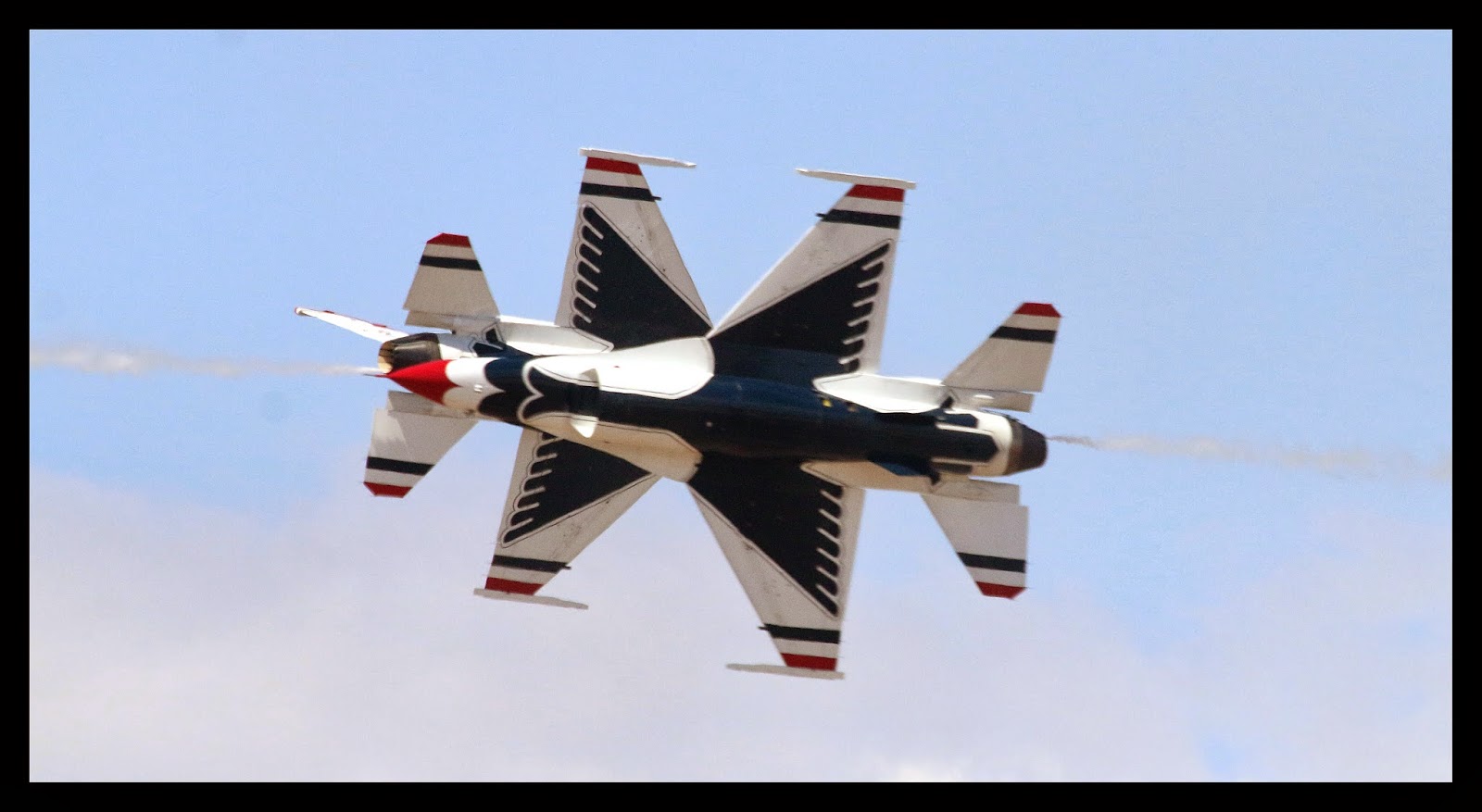
This is one of those moments where everything came together.  Some things happen so fast that to capture them there is a HUGE degree of luck involved. This is the result of one of those moments with a heavy dose of luck. 

USAF Thunderbirds photo 2014 Cross perfect timing

I spent a Friday afternoon at Luke Air Force Base with coworkers. It was Friends and Family day. It’s also a day the Thunderbirds do a run through of their show before the official air show on Saturday and Sunday. 

I knew there would be an opportunity or two to capture a crossing shot during the show. I setup the camera the best I could to give me a fighting chance to capture this moment in time. I set aperture at f/8 for good sharpness and ISO at 1250 so I would get a fast shutter speed. The camera set it at 1/8000. 

The announcer pointed out the planes that were approaching from opposite ends of the runway. I picked the one on the left to pan with as they approached. That way I would at least have one plane in the picture and focused. I kept the camera on the first plane and watched out of the corner of my eye for the other one as it closed quickly. I fired off a shot that I thought was early and this was the result. Not too early this time! I could try for the rest of my life and never get one timed this good. These planes are moving along at a pretty good clip and are only together like this for a fraction of a second. 

The camera was good to me yesterday! 

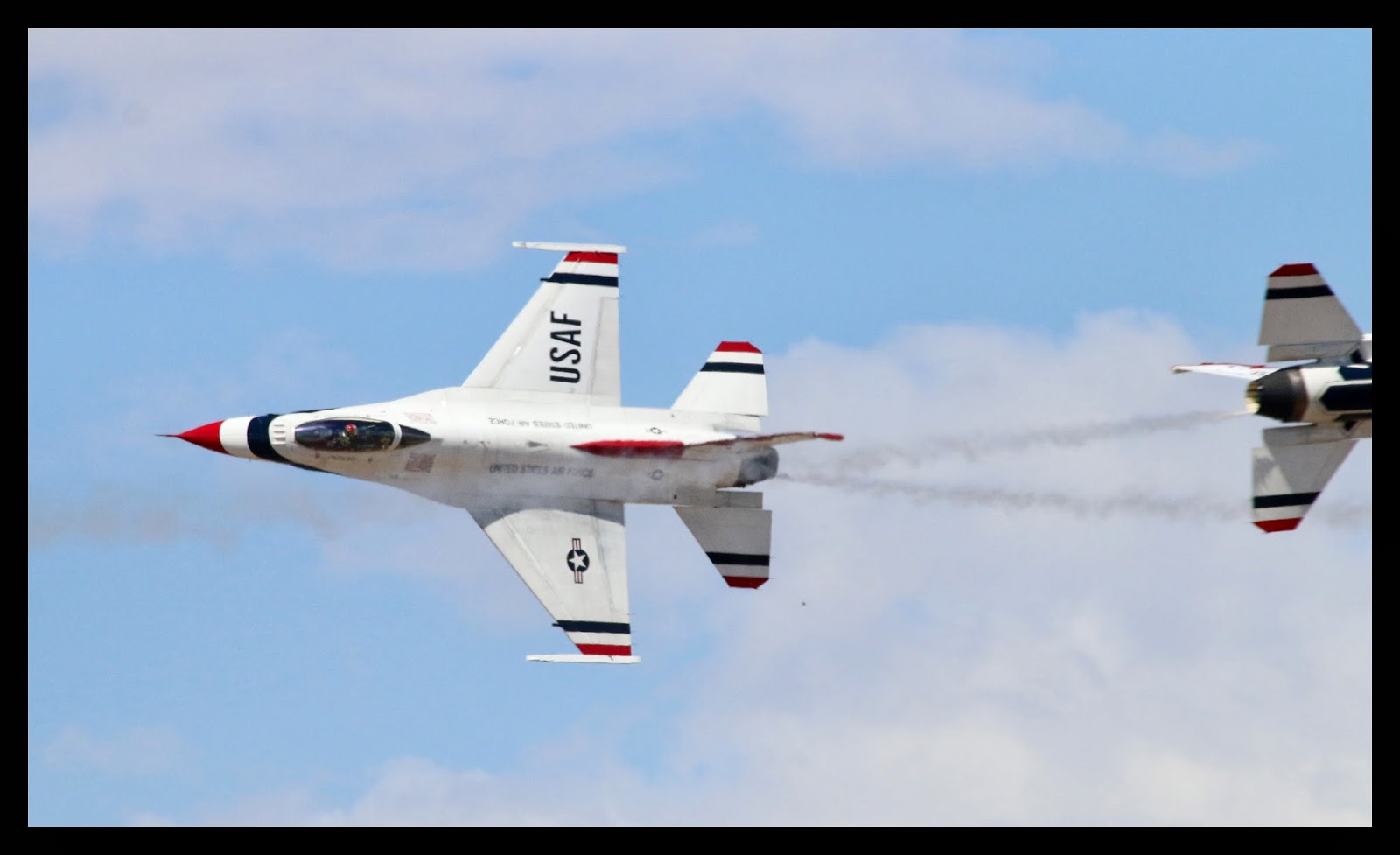
This was one of my other attempts at this... as you can see I was a little late. 


Saturday, February 8, 2014

"Senior Night"

Last night at Gilbert High School’s basketball game was Senior Night. It was a night to honor those playing their last regular season home game as a Gilbert Tiger. The Gilbert Student Section @GHSGoons @GilbertBball chose for their Theme: Senior Citizens, and here is what it looked like @GilbertHigh


High School fun...


Friday, January 31, 2014

Gilbert High School Cheerleaders

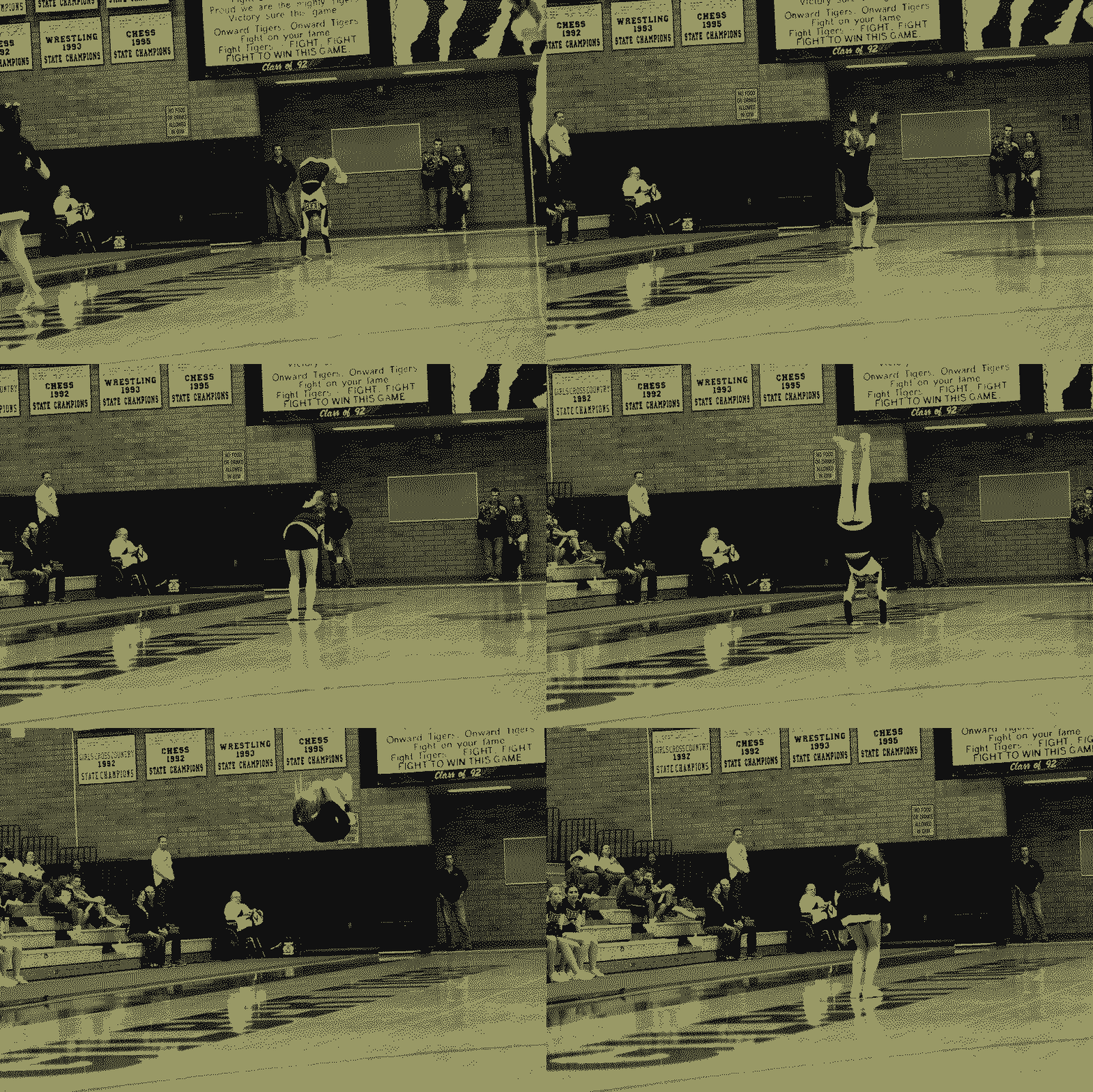
Made a quick GIF of a Gilbert Cheerleader during a timeout. This was lastnight's Gilbert vs Desert Vista basketball game. She makes it look easy. 


Gilbert High School Cheerleader cheer tigers Arizona flips tumble

More cheer pictures here... http://www.azdewphoto.com

Friday, January 17, 2014

"Hole in the Rock" Phoenix AZ

My daughter Paige and I went for a drive Saturday morning. One of the places we stopped was “Hole in the Rock” at Papago Park in Phoenix Arizona. It’s a place that we used to take our five kids when they were younger. It’s a very easy hike for youngsters. They all have great memories of “exploring” these cool places. While we sat up on the rock, Paige commented how much bigger this little rock formation was 10 or 15 years ago. I'm sure it was much bigger when she was 4 years old. Perspective tends to change as we mature.

Here is a picture of "Hole in the Rock" taken from the base of the formation.

Papago Park Hole in the Rock Phoenix Zoo Phoenix Arizona


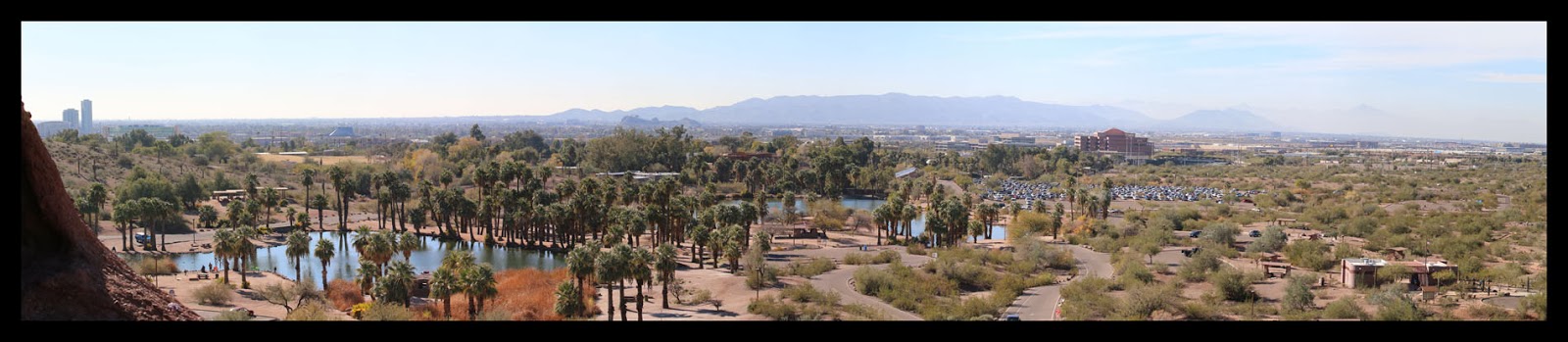
Below is a picture taken from inside the hole looking across the valley. The Phoenix Zoo parking lot is in the center of the picture and the Zoo is left of that. 

On a photography note, the original file for this picture is very large 24148x5259. It's compiled from a group of 10 or so images stitched together with Photoshop’s Photomerge feature. Its simple and easy to use and the final image is practically seamless with lots of detail. 

A better view of this image is on my flickr account


All in all it was a fun day with my daughter!